Guides
How to Use Ollama in Python: Your First Local Request
Use Ollama in Python with a local model. Set up a virtual environment, send a chat request, stream output, and diagnose model or connection errors.
Elena Rostova·7 min read·
Follow a reading path from AI coding interfaces to repository trials, model choices and tool integrations.
Coding coverage crosses product categories: an editor, a terminal agent and a local model can appear in the same project without doing the same job. This topic collects the decisions between them. Start with the interface you need, then investigate the model and integrations that support it.
Compare interfaces before selecting an assistant.
Define the same task, permissions and completion checks for both.
Choose an integration for a named task instead of installing every server.
Separate the dated release claims from checks to perform in your own workflow.
Use the workflow overview to make a shortlist, a focused comparison to design your trial, and an integration guide only when you can name the missing capability. Model-release claims are a separate layer of evidence; they do not by themselves establish the quality of a repository change.
Use Ollama in Python with a local model. Set up a virtual environment, send a chat request, stream output, and diagnose model or connection errors.
Trace incremental AI output from the application through the proxy to the browser, separating buffering from idle timeouts and rendering delays.
Respond to a committed API key by revoking or rotating it, checking use and cleaning history without confusing file deletion with containment.
Decide whether to retry a timed-out API operation by checking side effects, idempotency support and the remote outcome before sending it again.
Diagnose browser-only API failures through origins, preflight requests and response headers without using wildcard credentials or no-cors as a fix.
Diagnose Docker bind-mount write failures through mount mode, user identity and host policy without making the whole folder writable to everyone.
Trace Docker Compose variables from interpolation to the running container and understand when configuration changes require recreation.
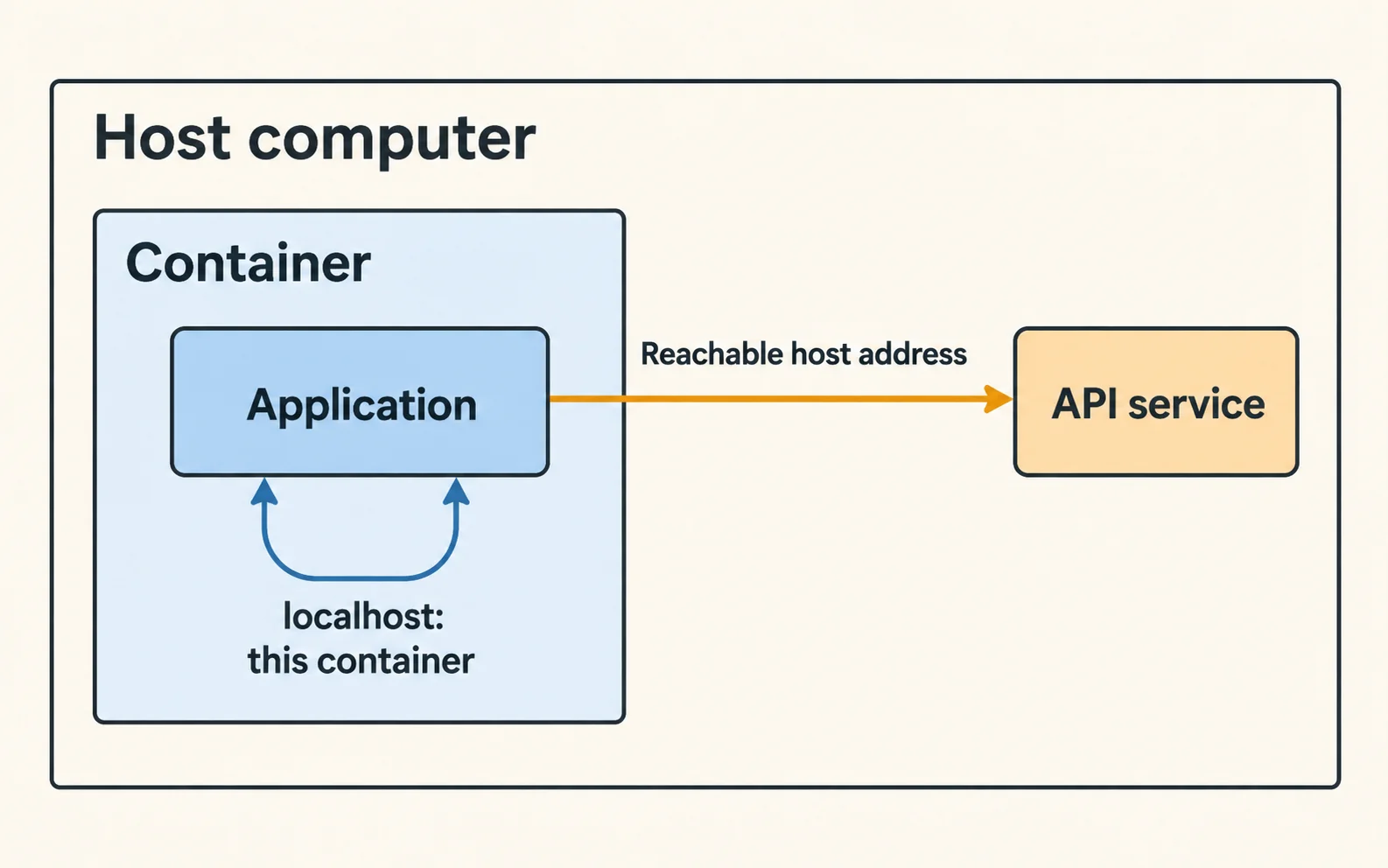
Map container-to-host connections correctly and separate hostname, port and bind-address failures when an API works only on your laptop.
Separate container startup from database readiness, then add meaningful health checks and bounded reconnection for later outages.
Identify whether Docker disk growth comes from logs, images, build cache or persistent data before choosing a targeted retention policy.
Check application binding, Docker port publishing and firewall rules to determine whether a development service is reachable beyond your machine.
Investigate Docker data that appears missing after a project rename by checking volume identity, mount targets and application configuration.
Trace a production login cookie through response headers, browser storage and later requests to isolate domain, Secure and SameSite problems.
Diagnose a 502 by checking the upstream address, listener, protocol and logs from the proxy's environment rather than relying on container status.
Separate lockfile mismatch from platform, registry and lifecycle-script failures when npm ci breaks in CI but local installation succeeds.
Verify PostgreSQL recovery with an isolated restore, representative data checks and application tests instead of relying on a successful backup log.
Investigate duplicate scheduled work through scheduler identity, overlap, retries and time zones, then protect the business operation from repetition.
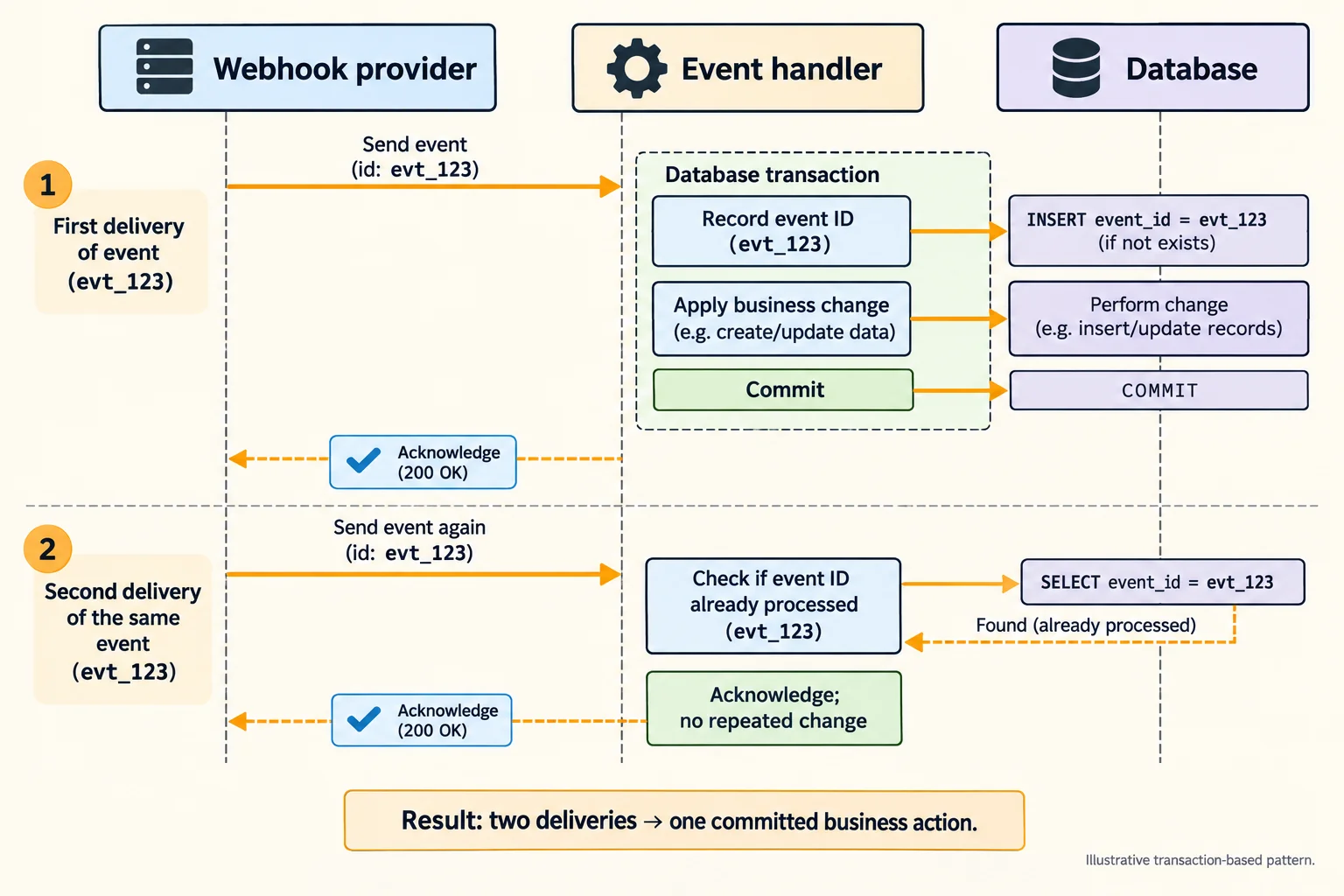
Handle duplicate webhook delivery with durable event tracking and idempotent effects, including the crash window between processing and acknowledgment.
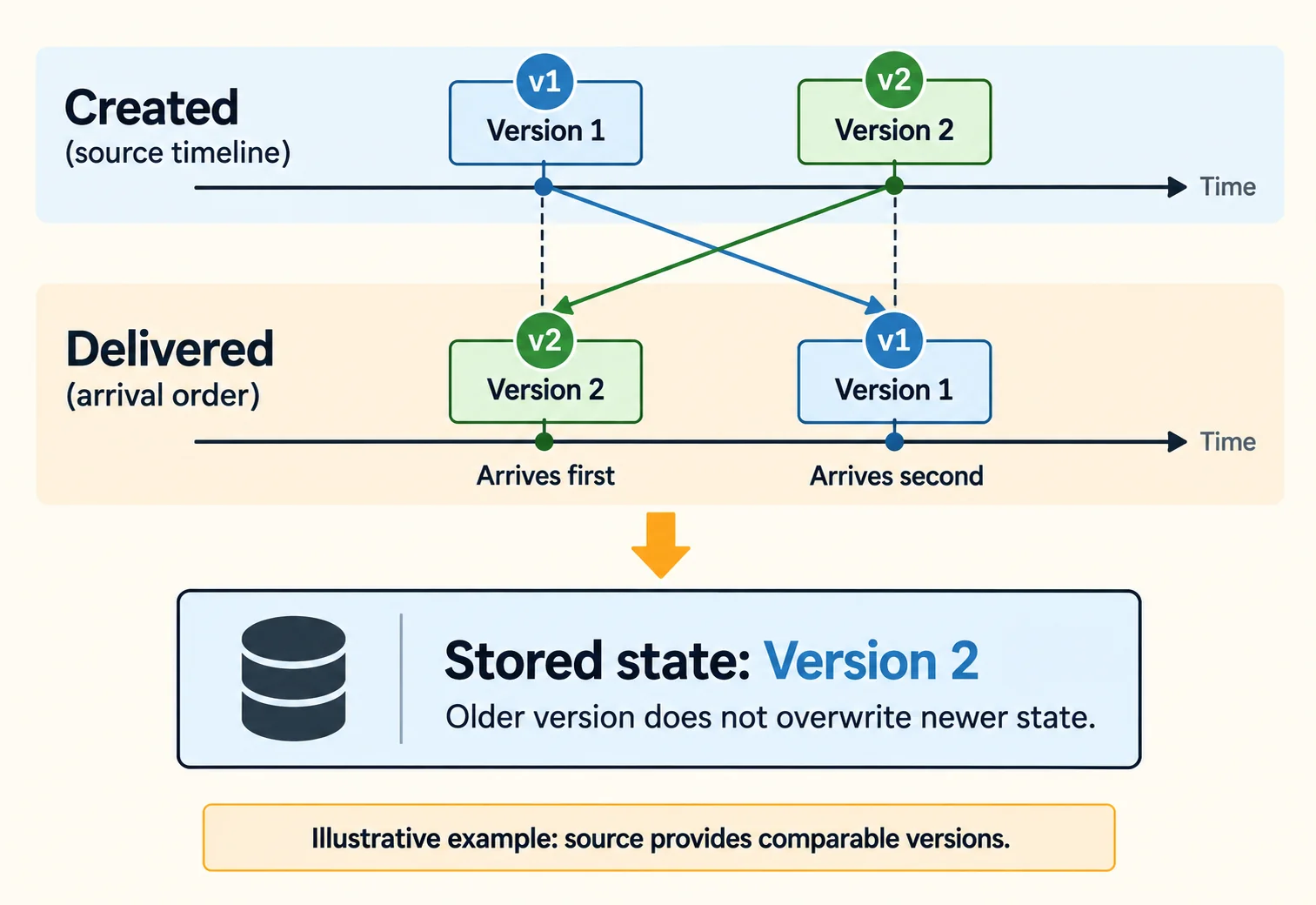
Handle delayed webhook events without moving application state backward, using provider state, versions and explicit transition rules.
Compare WSL project locations, executable paths and file operations to diagnose slow npm or Git without assuming the laptop is underpowered.
Separate WSL DNS, routing and certificate failures when Windows works on a VPN, using a controlled comparison and supported network settings.
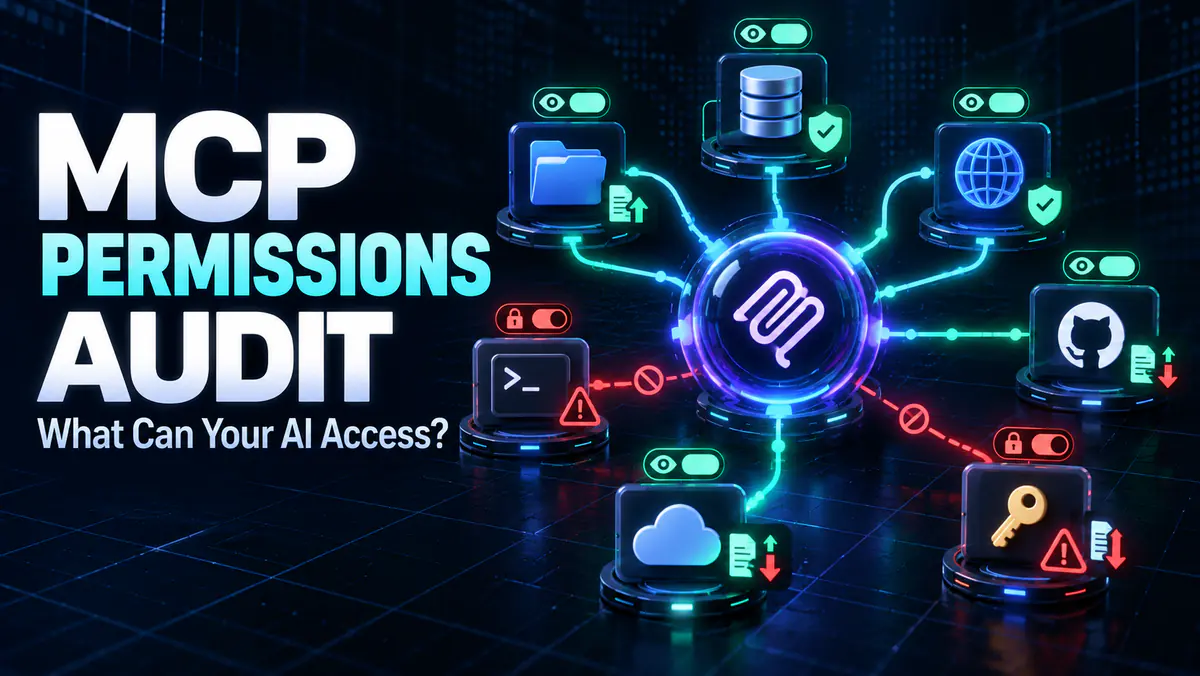
Run an MCP permissions audit before connecting a server. Map files, credentials, network access and tools with a practical MCP security checklist.
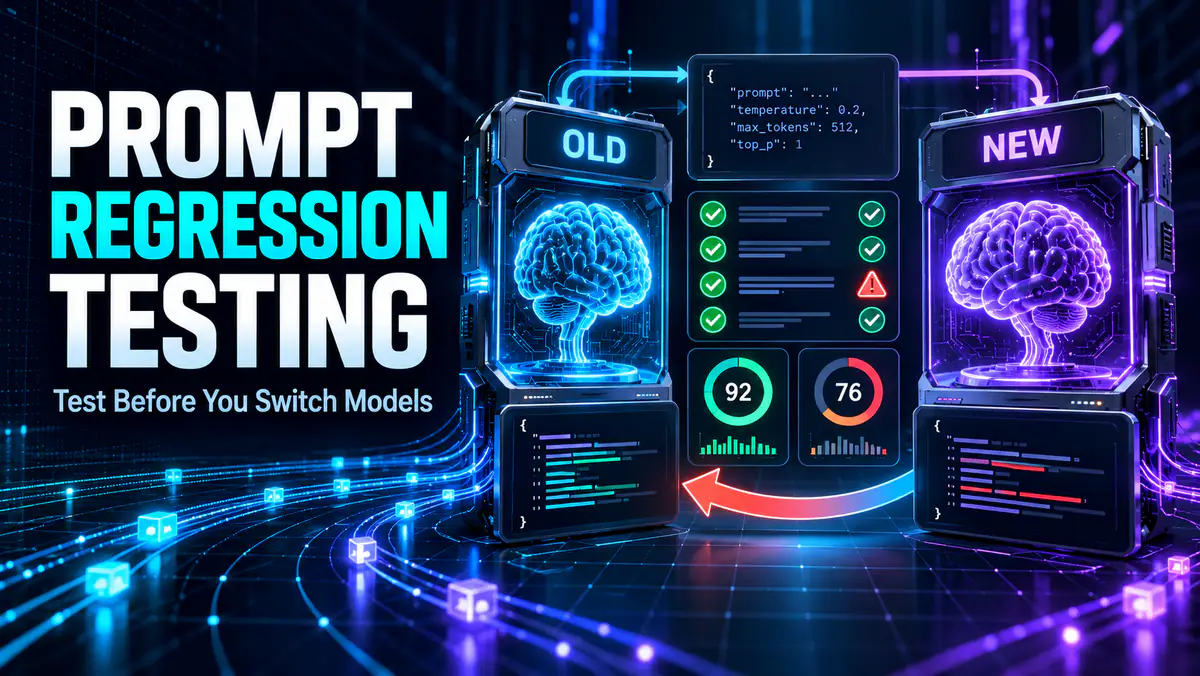
Use prompt regression testing to compare LLM prompts and model updates. Build an eval set, score regressions, automate checks and gate releases.
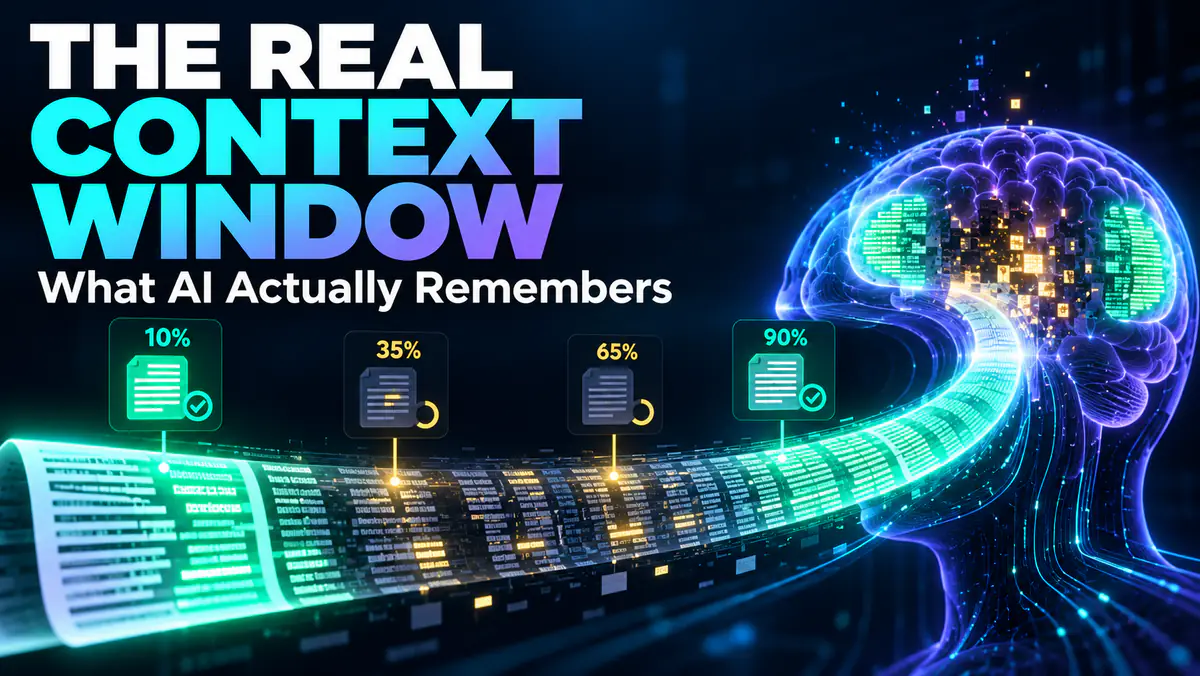
Test an LLM’s usable context window with a repeatable long-context benchmark. Measure retrieval by position, reasoning, citations, cost and latency.

Understand Claude Fable 5.1's coding and knowledge-work improvements, lower cache costs, paid availability and a practical workflow for evaluating it.
Compare OpenAI Codex and Claude Code across interfaces, free access, repository work, permissions and a repeatable three-task evaluation.

Understand GPT-6 Astra's new capabilities, phased availability, safety limits and the best first tasks to try when it appears in your ChatGPT account.
Learn what Grok 4.7 changes for coding and knowledge work, where it is available, how its API is priced and how to test Grok Build's free access.

Anthropic's Claude Opus 5.5 leads in agentic coding at 40% lower cost than Opus 5 in vendor testing. Explore its features, pricing and access options.

Compare four local LLMs for 16GB RAM by download size, hardware and task. Use ten test prompts to check answer quality, memory use and response speed.
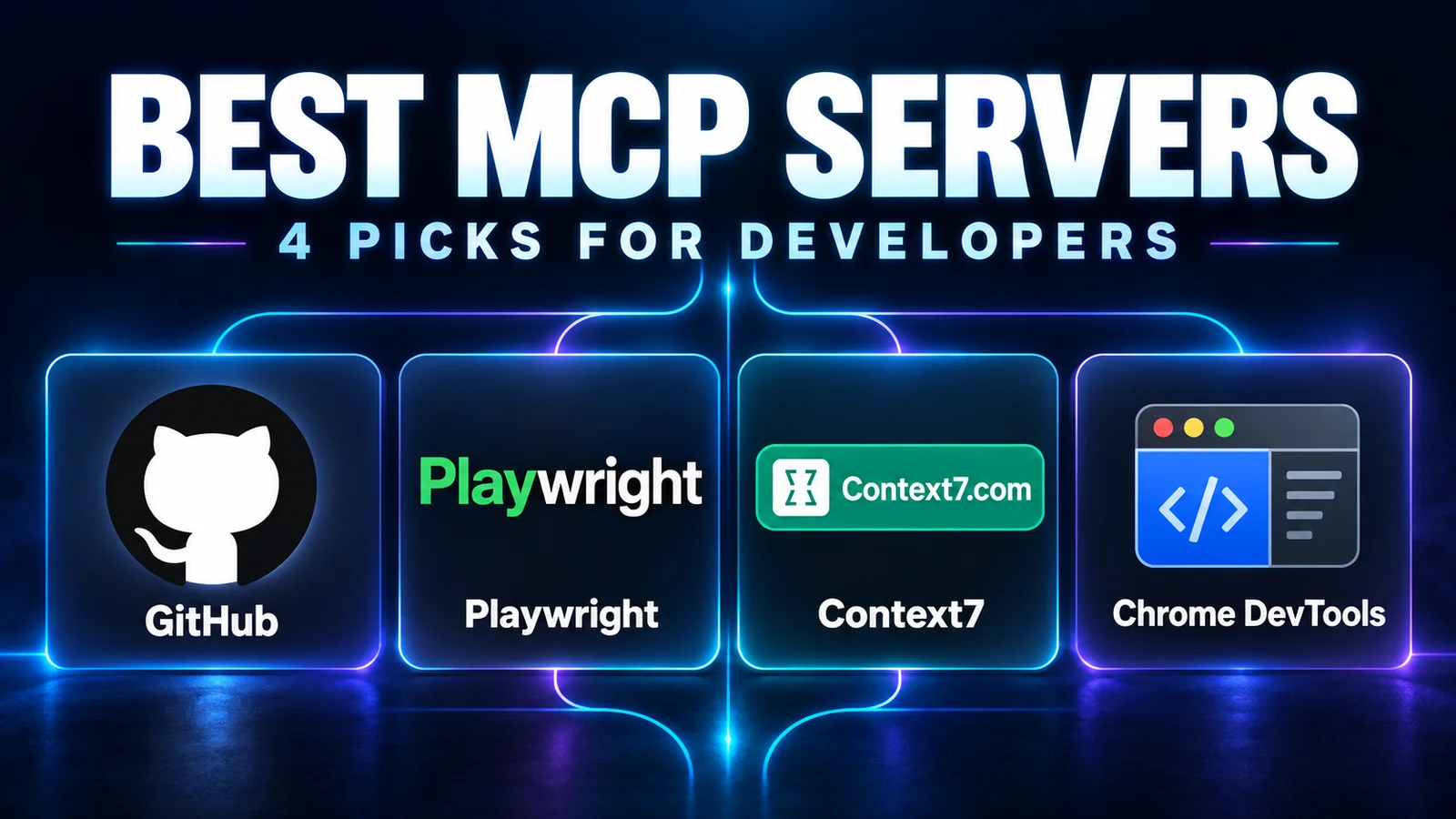
Choose MCP servers for repository work, browser testing, documentation and debugging, with practical first tasks and checks for access and compatibility.

Compare Claude Code and Cursor for editing, delegated tasks, pricing and code review, with a practical checklist for choosing your coding workflow.

Choose Ollama or LM Studio for local AI by comparing model management, desktop chat, scripting, offline use and a fair same-model evaluation.
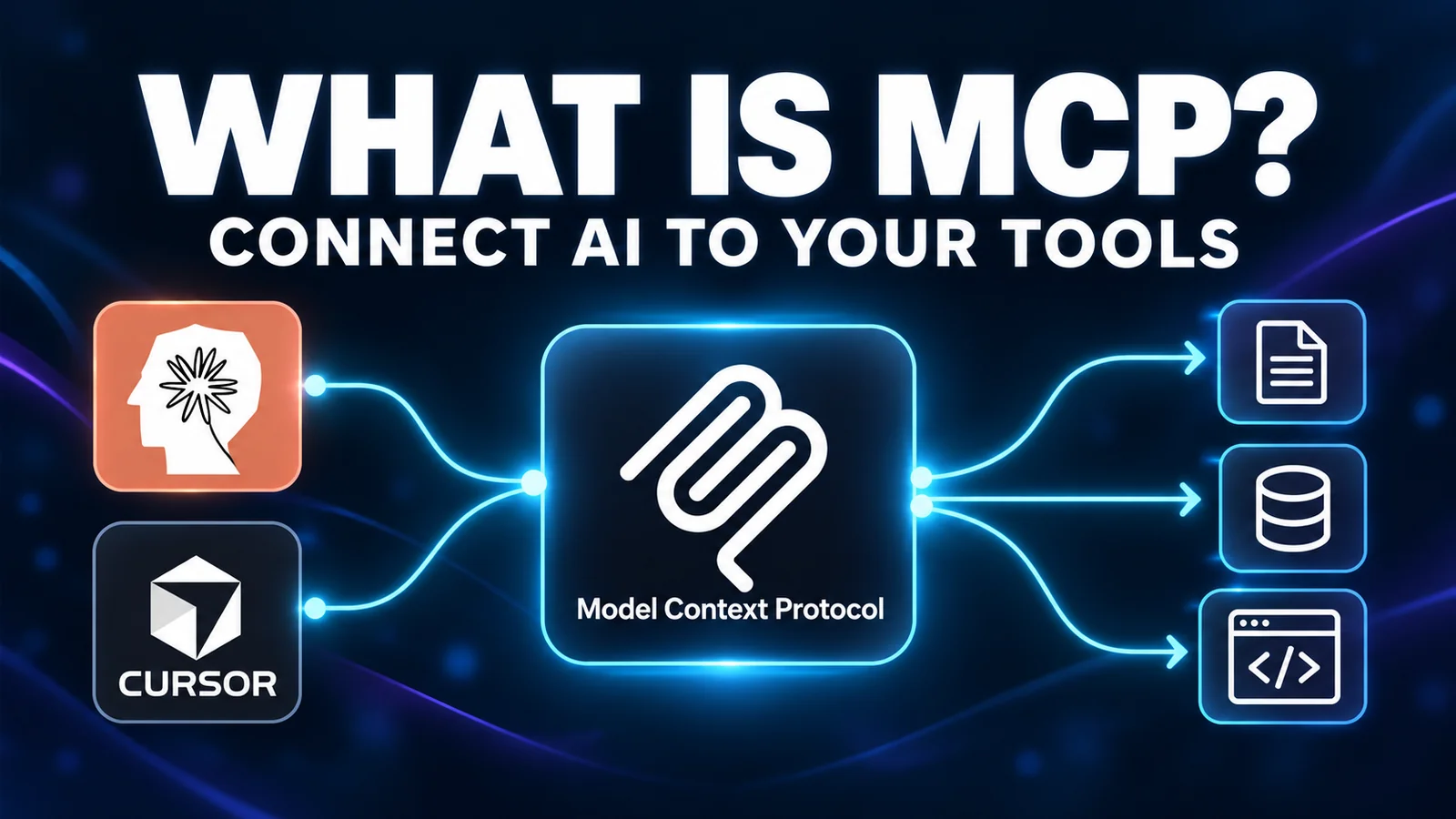
Understand Model Context Protocol with a simple issue-triage example, the roles of hosts and servers, and the difference between MCP, APIs and RAG.
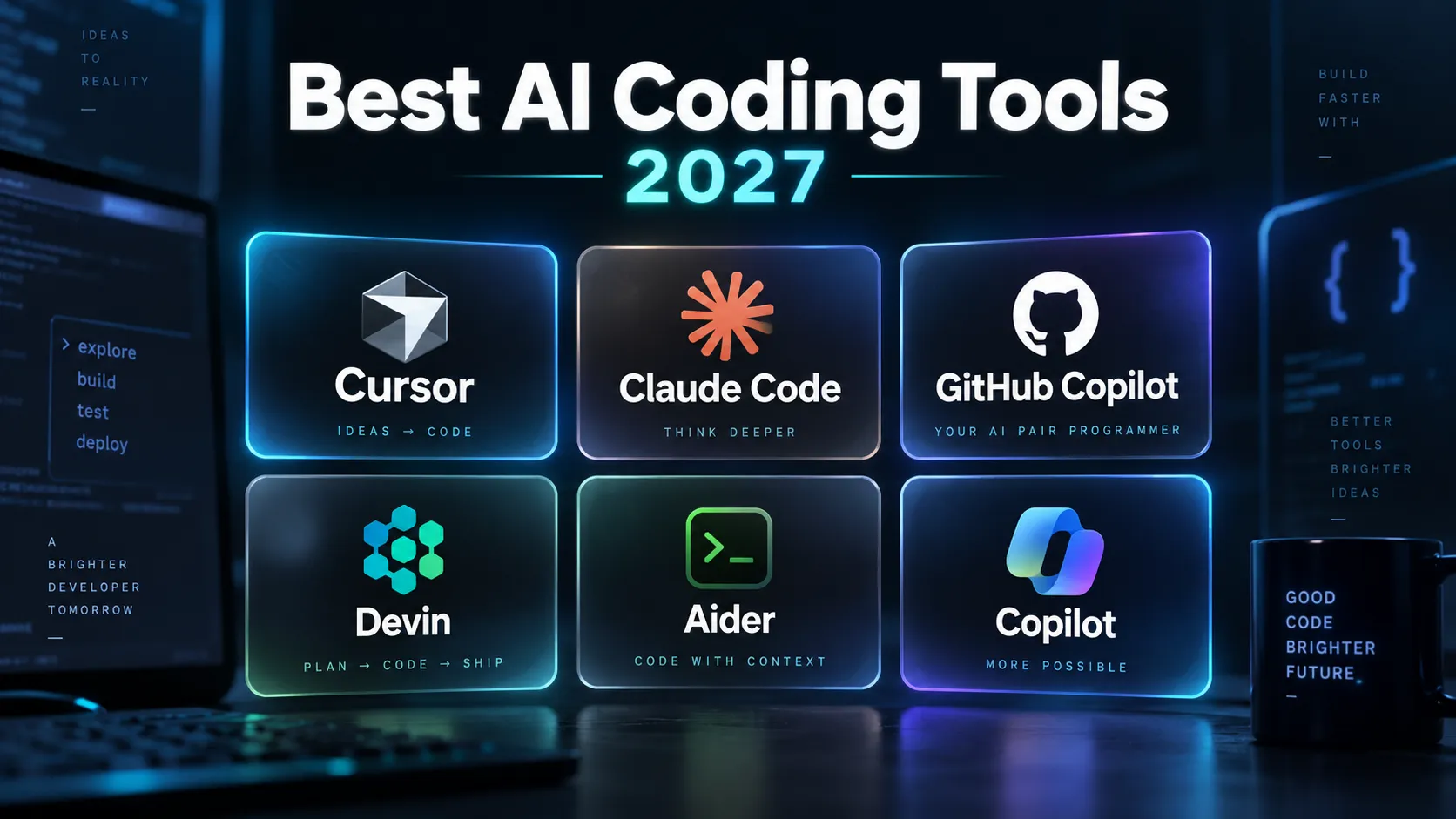
A research-based shortlist of AI coding tools for editor, terminal and delegated work, with official sources and a practical evaluation checklist.
Choose between prompting, RAG and fine-tuning by diagnosing missing information versus inconsistent behavior, with examples and a practical evaluation plan.

Install Ollama, run a small local model, check CPU or GPU usage, and troubleshoot slow responses without assuming every AI feature stays offline.

Compare Cursor with the current Windsurf/Devin Desktop workflow using official documentation, with checks for context, edits, permissions and cost.
High signal AI & software stories.
Direct to your inbox. No hype.
Independent analysis of AI models, developer tools, and computing architectures. Delivered every Sunday morning. 100% free.