Guides
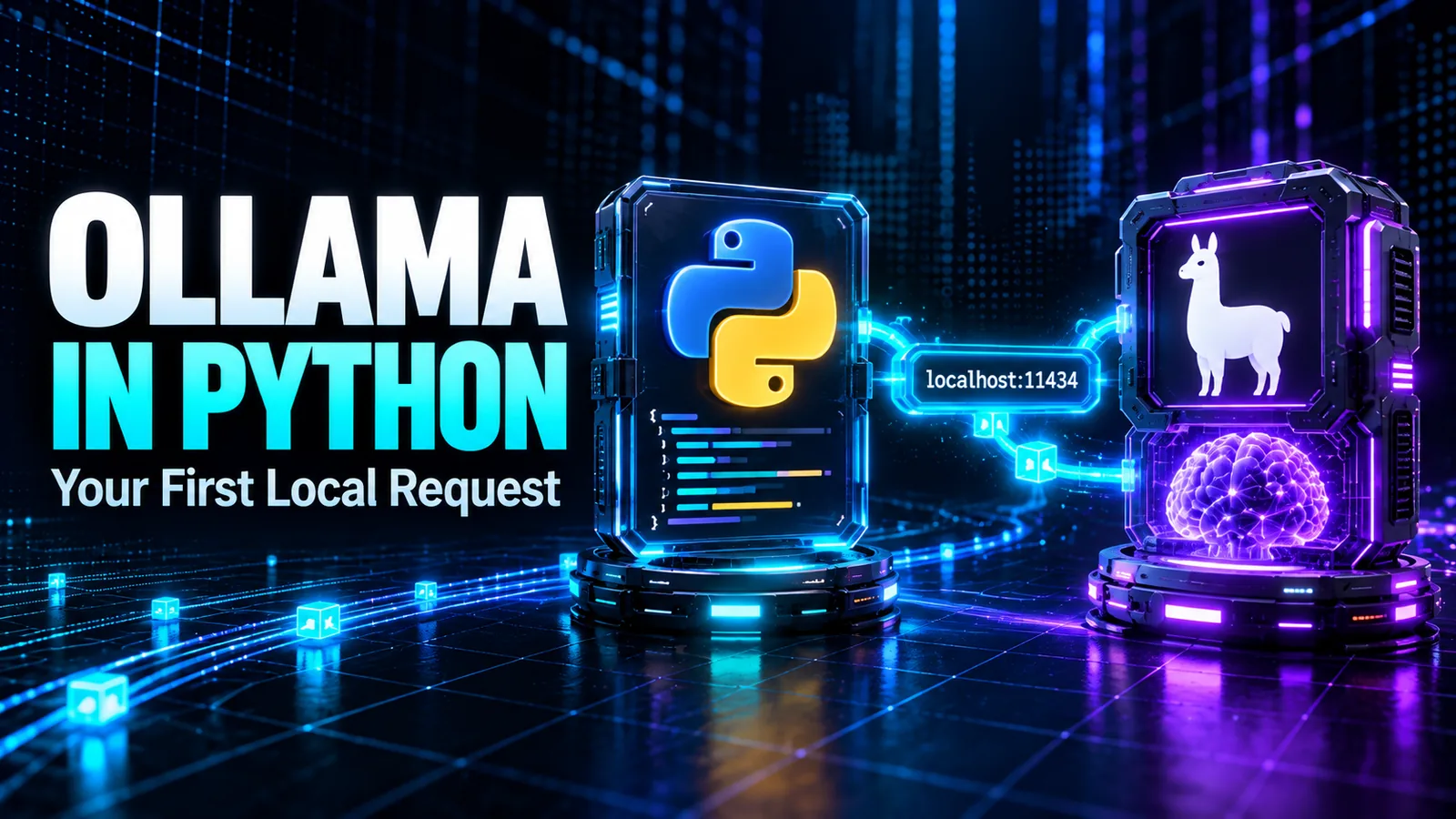
How to Use Ollama in Python: Your First Local Request
Use Ollama in Python with a local model. Set up a virtual environment, send a chat request, stream output, and diagnose model or connection errors.
Elena Rostova·7 min read·
Buying guides, recommendations and practical advice for choosing the right tools.
A useful guide should leave you with a next action, not another long subscription list. This collection focuses on choosing tools around the work you need to do, checking the material they produce and fitting them into an existing routine. Start with the problem you can describe clearly before adding another app.
Match writing, research and revision problems to a small toolkit.
Move from source selection to practice questions and a mistake log.
Check sources and factual support before using generated material.
For a broad study toolkit, use the student shortlist. For a routine built around course materials, follow the source-based study guide. Before relying on an answer, use the verification checklist. Examples are suggested exercises; they do not establish learning gains or replace the rules of your course.
Use Ollama in Python with a local model. Set up a virtual environment, send a chat request, stream output, and diagnose model or connection errors.

Calculate the real cost of AI video generation per usable second. Count credits, retries and rejected clips, then compare tools by accepted footage.
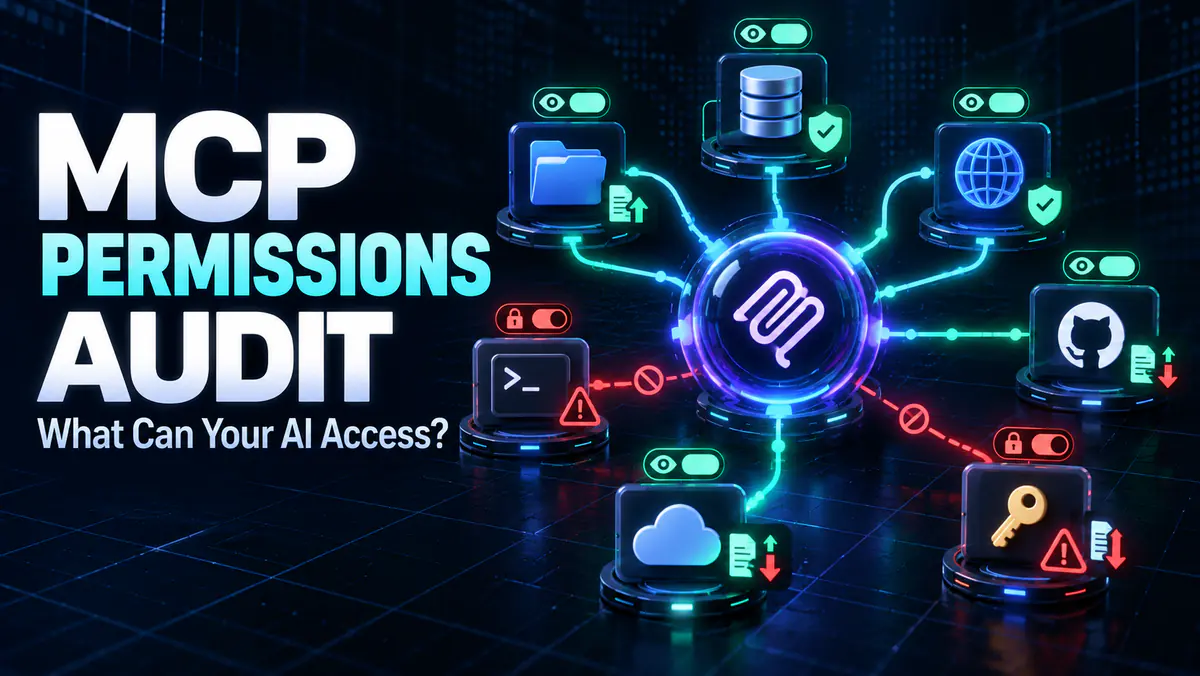
Run an MCP permissions audit before connecting a server. Map files, credentials, network access and tools with a practical MCP security checklist.

Use prompt regression testing to compare LLM prompts and model updates. Build an eval set, score regressions, automate checks and gate releases.

Verify AI images with C2PA Content Credentials. Check image provenance, signatures and edit history, and learn what missing metadata cannot prove.

Write clearer Higgsfield prompts for push-ins, pans, tracking and orbits. Get eight original examples plus a checklist for fixing unwanted camera motion.
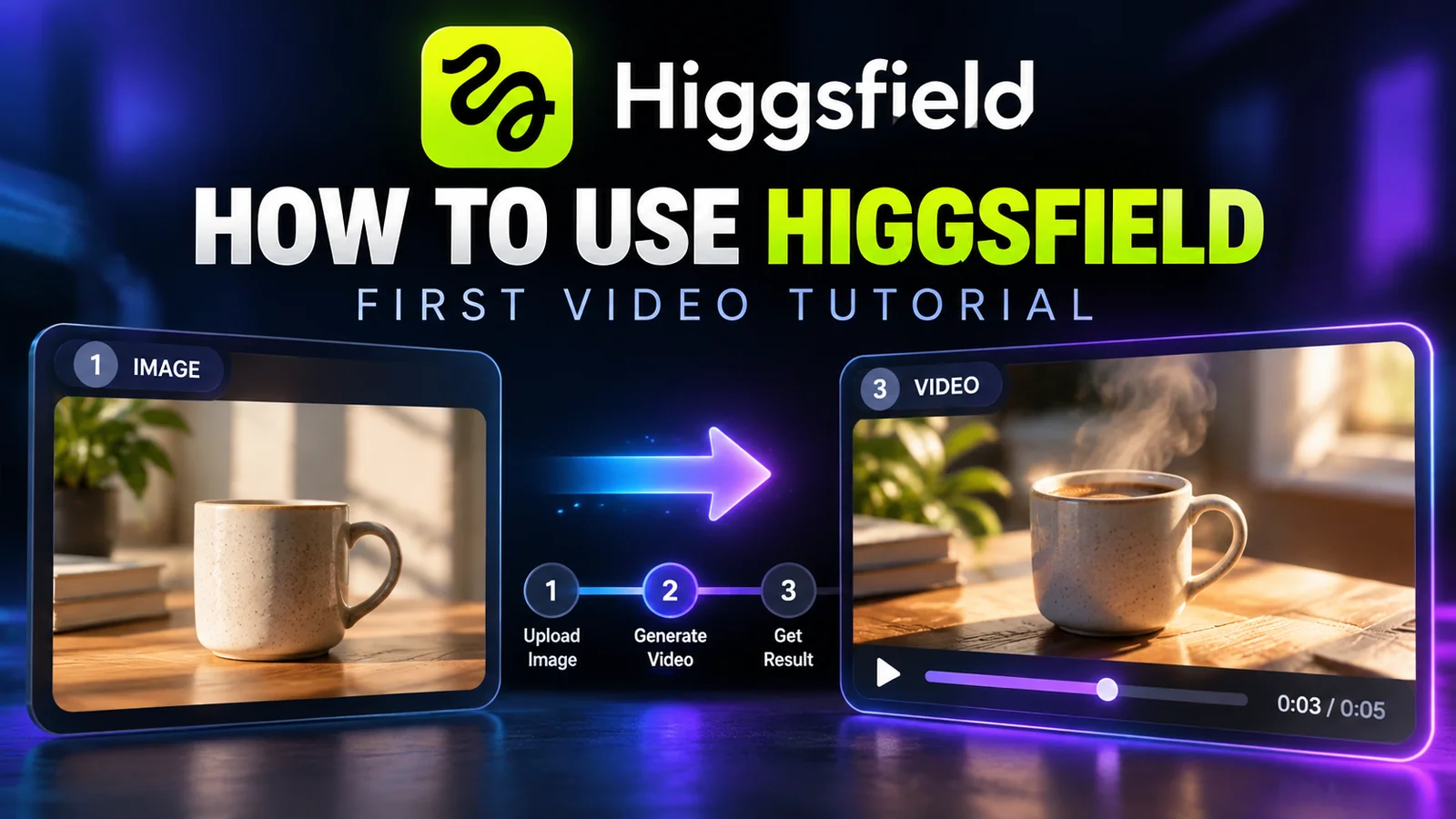
Follow a practical Higgsfield AI tutorial: prepare a reference image, direct one camera move, review the result and export a useful first video.
Learn how to create, revise, share and export a document with Claude Docs, including current plan access, limitations and a practical first workflow.

Compare four local LLMs for 16GB RAM by download size, hardware and task. Use ten test prompts to check answer quality, memory use and response speed.
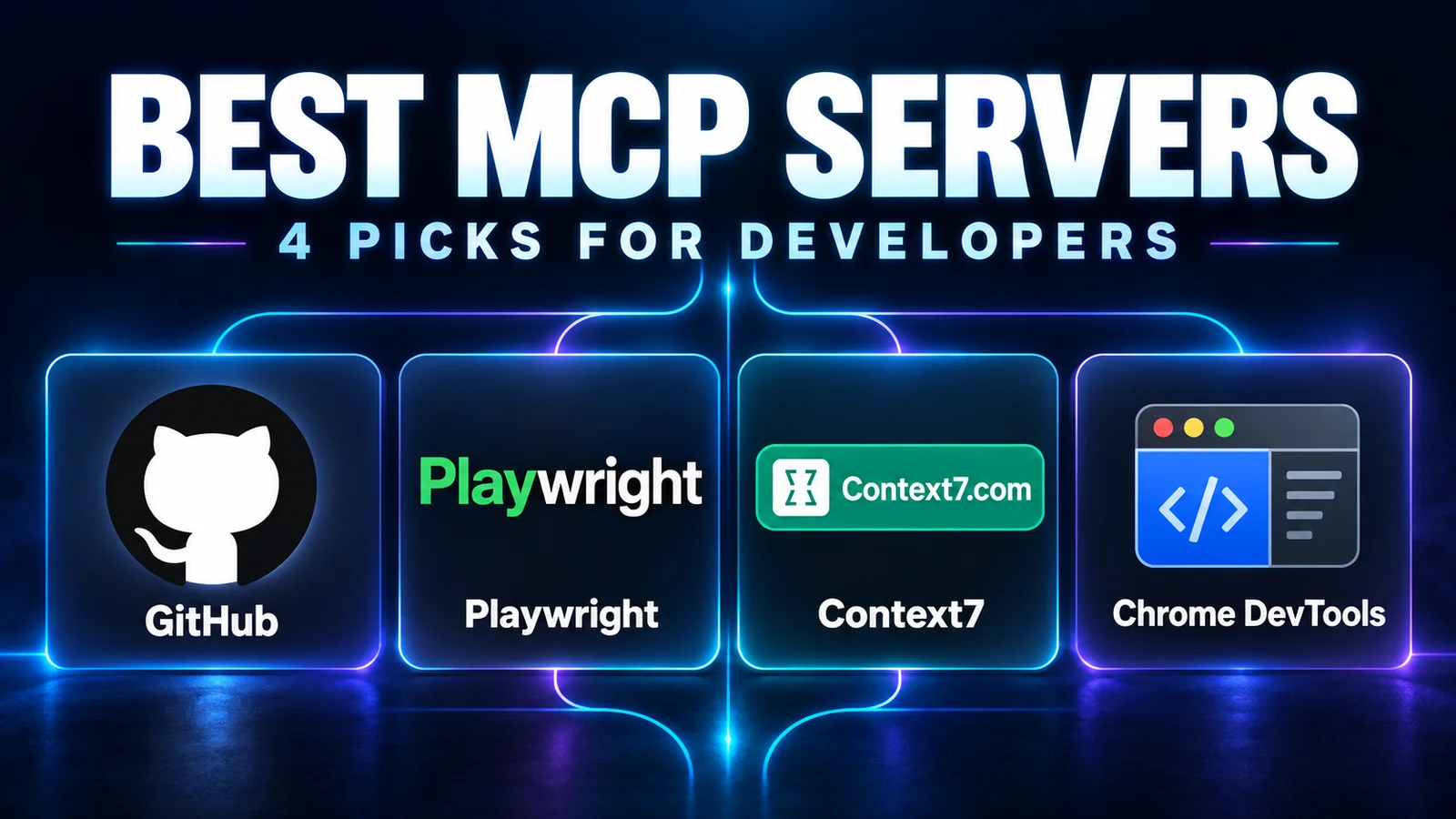
Choose MCP servers for repository work, browser testing, documentation and debugging, with practical first tasks and checks for access and compatibility.

Build a useful NotebookLM study workflow: choose course sources, ask focused questions, check citations, and turn mistakes into targeted revision.

A research-based shortlist for student writing, research, revision and organization, with official sources, access caveats and academic-integrity advice.
High signal AI & software stories.
Direct to your inbox. No hype.
Independent analysis of AI models, developer tools, and computing architectures. Delivered every Sunday morning. 100% free.