Cursor vs Windsurf: What Changes in Real-World Coding?
Two AI code editors promising to change how you write software. Here is how their autocomplete, multi-file editing, and codebase indexing compare in practice.
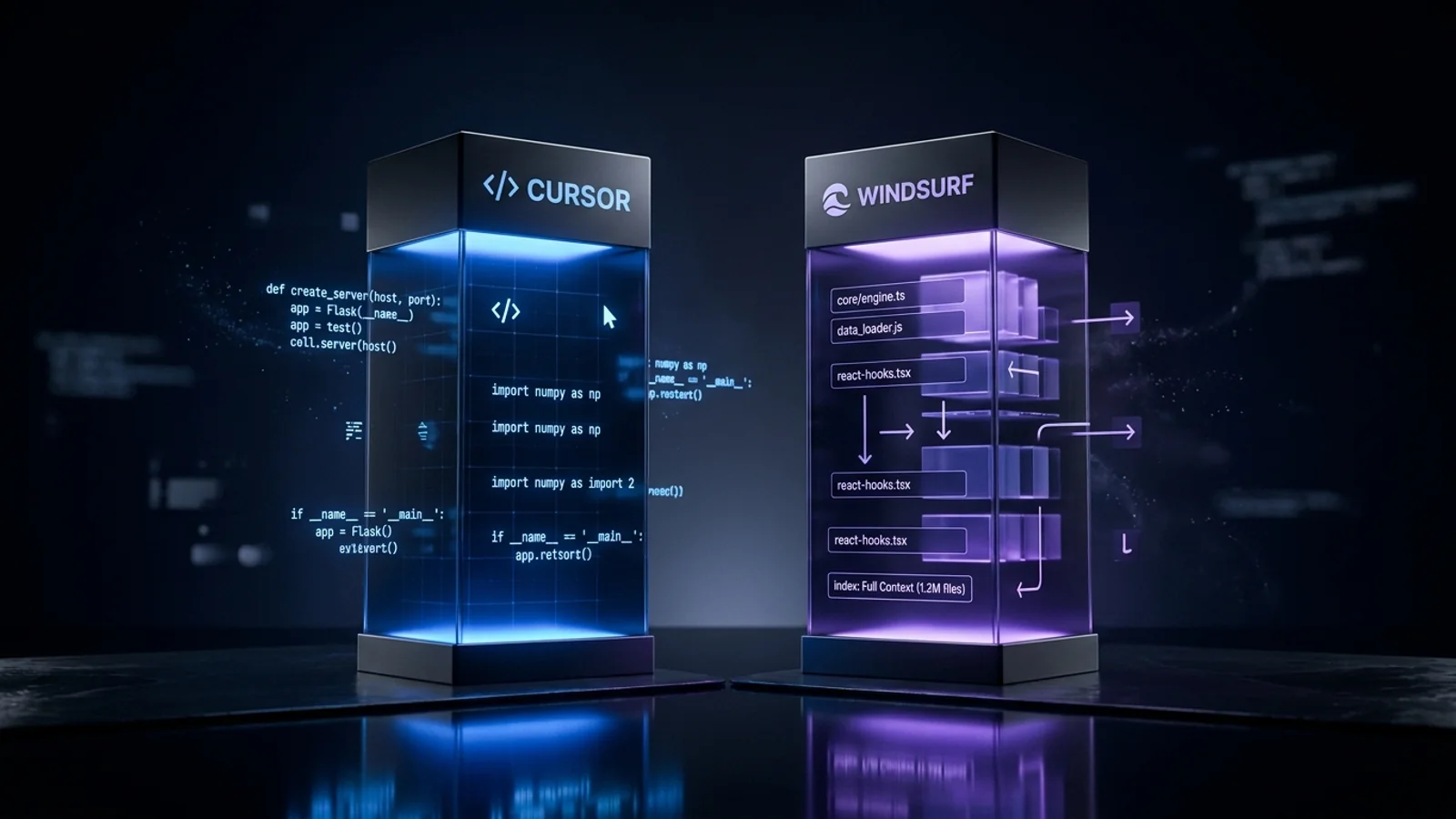
Executive Summary · In 30 Seconds
- Cursor and Windsurf represent true AI-native development environments, moving far beyond basic inline autocomplete.
- Windsurf's 'Cascade' architecture excels at continuous multi-file context tracking and executing terminal commands intelligently.
- Cursor retains superior extension ecosystem maturity, robust Composer agent workflows, and community prompt configurations.
- Both tools dramatically reduce boilerplate fatigue, but developers who understand system architecture benefit disproportionately.
On this page
The new default question
If you write software in 2026, the question is no longer whether to use an AI-assisted editor, but which architectural approach fits your engineering workflow: Cursor or Windsurf?
Both tools are forks of Visual Studio Code, preserving full compatibility with the existing VS Code extension ecosystem and keybindings. Both integrate top-tier frontier models like Claude 3.5 Sonnet and GPT-4o. Yet beneath the surface, they make distinct architectural trade-offs between precision control and autonomous multi-file workflows.
Here is an objective comparison of how Cursor and Windsurf differ across core developer interactions.
Architecture and setup
Because both editors are VS Code forks, onboarding takes under five minutes: settings, themes, and extensions can be imported directly during initial setup.
- Cursor focuses heavily on granular human-in-the-loop interactions. Its design philosophy centers around high-speed inline completions and controlled diff reviews.
- Windsurf (developed by Codeium) is built around Cascade, an agentic flow engine designed to coordinate multi-file edits, execute terminal commands, and maintain continuous codebase awareness without requiring manual context tagging.
Autocomplete: Tab vs Supercomplete
- Cursor (Copilot++ / Tab): Cursor's autocomplete predicts not just the next line of code, but subsequent cursor jumps and multi-line edits. When refactoring or adding repetitive struct definitions, it anticipates where your cursor is traveling next. The latency is exceptionally low, making it feel native to the typing flow.
- Windsurf (Supercomplete): Supercomplete offers comparable predictive power and can suggest imports or companion function edits. In rapid typing scenarios, Cursor retains a slight edge in predicting cursor relocations, while Supercomplete excels when generating full function implementations within new files.
In-editor chat and multi-file editing
- Cursor (Cmd+K and Composer): Cursor's inline editing (Cmd+K) displays inline red/green diffs directly in your editor buffer, allowing you to accept or reject edits line-by-line. Its Composer feature enables multi-file generation, but still requires explicit user direction when indexing files.
- Windsurf (Cascade): Cascade acts as a collaborative agent within the sidebar. It autonomously identifies related files, suggests terminal commands, and executes edits across multiple files in a single turn. When building boilerplate across API routes and client components, Cascade minimizes manual file switching.
Codebase understanding and context management
This is the primary architectural differentiator between the two tools:
- Cursor: Relies on manual context curation alongside codebase indexing. Developers use
@Files,@Folders,@Docs, or@Gitto explicitly direct the model toward relevant references. This manual approach provides absolute precision over token usage and prompt composition, but demands conscious effort from the developer. - Windsurf: Automatically maintains a real-time semantic index of your workspace. Cascade pulls relevant modules into its context window without requiring explicit
@references for every file. For developers entering an unfamiliar repository, this reduces the cognitive friction of knowing which files to reference.
Stability and development pace
Cursor has been in active production use longer and has refined its edge cases around large monorepos, git diff rollbacks, and extension host stability.
Windsurf ships rapid iterations through Codeium's infrastructure, though deeply nested multi-file agentic steps occasionally require manual review if an automated terminal step fails.
Pricing comparison
| Plan | Cursor | Windsurf |
|---|---|---|
| Free | 14-day Pro trial, limited completions | Free tier with limited Cascade credits |
| Pro | $20/month (500 fast requests, unlimited slow) | $15/month (unlimited chat, 500 prompt credits) |
| Business / Team | $40/seat/month (admin controls, privacy mode) | $30/seat/month (centralized billing, SSO) |
Windsurf offers a slightly lower price point across both individual and team tiers.
Which editor should you choose?
- Choose Cursor if you want maximum control over your diffs, frequently work with precise inline refactorings, and prefer explicitly designating context files for complex systems.
- Choose Windsurf if you want a more autonomous agent that handles multi-file boilerplate generation, automatically discovers relevant project context, and costs slightly less per month.
Both editors significantly outperform standard editor plugins for full-stack development. The ideal choice comes down to whether you prefer an intelligent typing assistant (Cursor) or an autonomous co-pilot (Windsurf).
Common Questions & Practical Answers
Both editors represent state-of-the-art AI-assisted development. Windsurf's Cascade architecture excels at tracking cross-file context during multi-step refactorings. Cursor has a more mature extension ecosystem, broader community prompt libraries (.cursorrules), and battle-tested Composer workflows.

Editorial contributor investigating AI code editors, software craft, and developer productivity tooling for Lucivo.
Related articles

How to Run AI Locally With Ollama: A Beginner's Setup Guide
RAG vs Fine-Tuning: Which Does Your AI Project Actually Need?

Why Most AI Productivity Apps Feel the Same
The Weekly Breakdown
High signal AI & software stories.
Direct to your inbox. No hype.
Independent analysis of AI models, developer tools, and computing architectures. Delivered every Sunday morning. 100% free.