The Best AI Coding Tools in 2027: What Actually Ships Production Code
A practical guide to the AI coding tools worth using right now. We compare Cursor, Claude Code, GitHub Copilot, Devin, Aider, and more — by what they actually do for working developers.
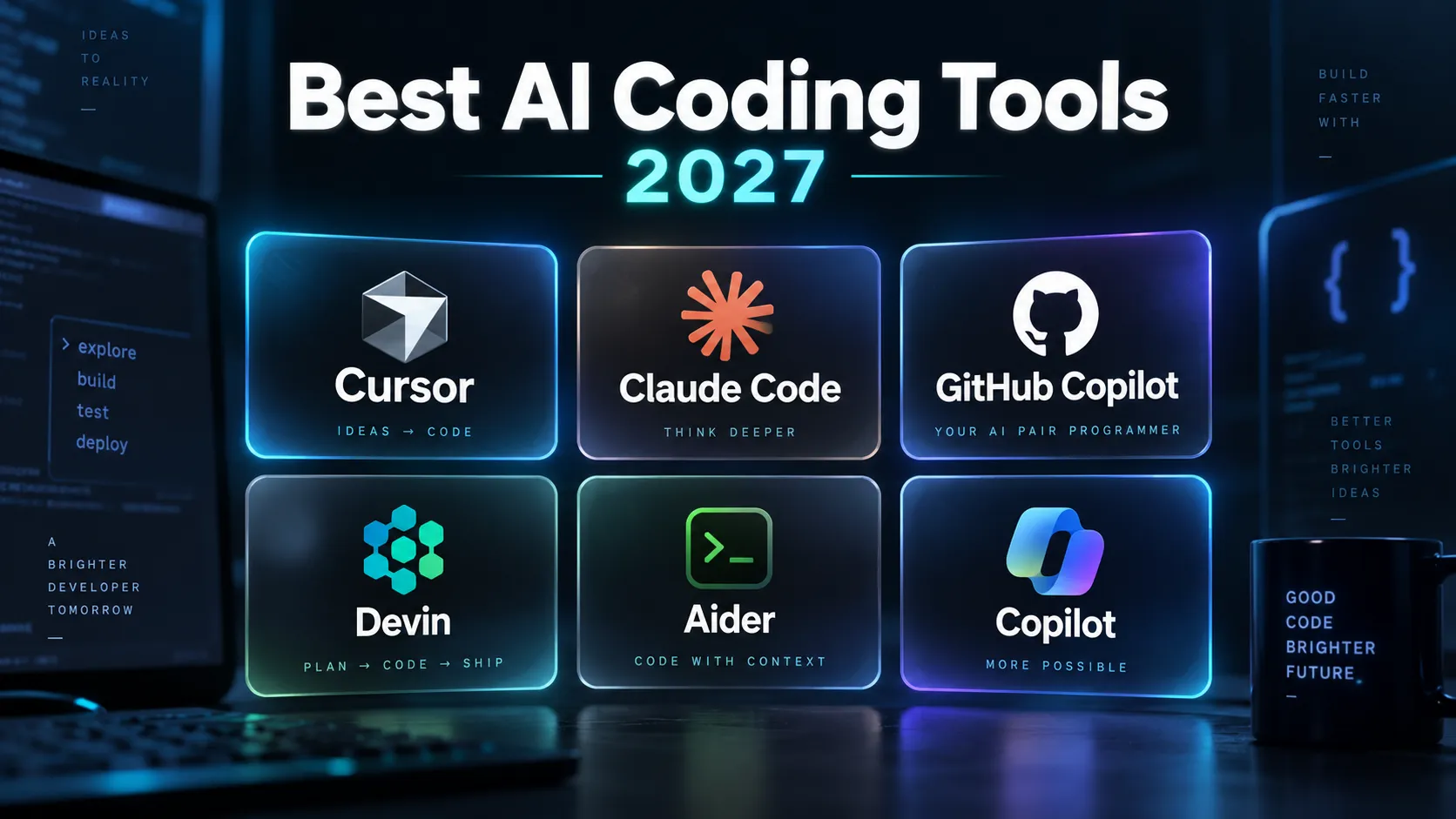
Executive Summary · In 30 Seconds
- AI coding tools now split into four categories: AI-native IDEs, terminal agents, IDE plugins, and app generators. Pick the category before picking the tool.
- Cursor is the best all-around AI editor for most developers; Claude Code is the strongest terminal agent for deep refactoring across large codebases.
- GitHub Copilot remains the enterprise default for compliance and broad editor support, but trails Cursor and Claude Code in agentic multi-file capabilities.
- The two-tool stack is becoming standard: a baseline assistant for daily completions plus a power tool for complex engineering tasks.
On this page
The AI coding landscape has fractured
A year ago, the question was simple: Copilot or not? Now there are AI-native IDEs, terminal agents, autonomous engineers, vibe coding platforms, and open-source alternatives — all competing for different parts of your workflow.
Most "best AI coding tools" lists throw 20 options at you without explaining when each one actually helps. This guide is different. We tested and categorized every major tool by what it does well, what it doesn't, and who should use it.
If you want a focused comparison between two specific AI code editors, read our Cursor vs Windsurf breakdown.
The categories that matter
AI coding tools now fall into four distinct categories. Picking the right one starts with understanding which category fits your workflow:
- AI-native IDEs — full editors rebuilt around AI (Cursor, Windsurf/Devin Desktop)
- Terminal agents — CLI tools that reason, edit, and execute (Claude Code, Aider, Codex CLI)
- IDE plugins — assistants that live inside your existing editor (GitHub Copilot, Sourcegraph Cody)
- App generators — prompt-to-app platforms for prototyping (Replit Agent, Bolt.new, Lovable)
You probably need one tool from categories 1–3 for daily work. Category 4 is for prototyping, not production.
AI-native IDEs: the new default
Cursor — best all-around AI editor
Cursor remains the developer favorite heading into 2027 and for good reason. It's a VS Code fork that feels instantly familiar but rebuilds the editing experience around AI-first interactions.
What makes it good:
- Tab completions predict not just the next line but your next cursor position. During refactoring sessions, it anticipates where you're heading next.
- Composer handles multi-file generation and can plan, write, and test across an entire feature.
- Manual context control via
@Files,@Folders, and@Docsgives you precise control over what the model sees — critical for large codebases where token waste kills output quality.
What doesn't work:
- Complex agentic sessions can lose track of changes across deeply nested file trees.
- The jump from free to Pro ($20/month) is steep if you only need basic completions.
Best for: Developers who want the most polished editor-first AI experience with full control over context.
Pricing: Free trial → $20/month Pro → $40/seat Business
Devin Desktop (formerly Windsurf) — the autonomous approach
Windsurf was acquired by Cognition in mid-2026 and relaunched as Devin Desktop. The tool has shifted from a single-agent editor to an "agent command center" that manages multiple coding agents simultaneously.
What makes it good:
- Orchestrates parallel tasks across different parts of a codebase.
- Can plan, implement, test, and open pull requests with minimal supervision.
- Handles well-defined backlog items asynchronously — assign it a task and check back later.
What doesn't work:
- The autonomous approach means less fine-grained control than Cursor.
- Complex architectural decisions still require human steering.
- The rebrand has left documentation and community resources fragmented.
Best for: Teams that want to delegate routine engineering tasks to an AI agent.
Terminal agents: power without the IDE
Claude Code — best for complex refactoring
Claude Code is a terminal-native agent built on Anthropic's Claude models. It operates entirely from the command line, making it the tool of choice for developers who live in the terminal.
What makes it good:
- 1M+ token context window means it can read and reason across entire large repositories without losing track of dependencies.
- Autonomously plans multi-step refactors: reads the codebase, writes changes, runs tests, and iterates until they pass.
- The permission system lets you approve or reject file writes and command executions as they happen.
- Recent Projects feature enables parallel work across multiple repositories from a single session.
What doesn't work:
- No visual editor — you're working entirely through text. If you need to see diffs visually, you'll want a separate tool.
- Token costs add up fast on extended sessions with large codebases.
Best for: Senior engineers tackling deep refactoring, dependency migrations, and architecture-level changes across large repositories.
Aider — best open-source option
Aider is the standard open-source terminal coding agent. It's free, model-agnostic, and has a loyal following among developers who want full control over their AI stack.
What makes it good:
- Git-native workflow — every AI edit is automatically committed with a descriptive message. Easy to review, easy to revert.
- Works with any model: Claude, GPT, Gemini, DeepSeek, or local models via Ollama.
- Repo-aware context mapping lets it understand and edit multiple files simultaneously.
- Completely free. You only pay for the API calls to whichever model you choose.
What doesn't work:
- Setup requires API key configuration — not plug-and-play.
- No built-in IDE integration; it's purely terminal.
Best for: Developers who want a free, transparent AI coding tool with full model flexibility and no vendor lock-in.
Codex CLI — fast and cloud-isolated
OpenAI's Codex CLI takes a different approach: it runs code changes in a cloud sandbox, so your local environment stays untouched until you explicitly accept the diff.
What makes it good:
- Cloud-isolated execution means broken AI attempts never affect your local files.
- Aggressive parallelism — it can work on multiple tasks simultaneously.
- Deep integration with OpenAI's latest models.
What doesn't work:
- Less supervised than Claude Code — it optimizes for speed over careful review.
- Requires an OpenAI API key and can burn through tokens quickly.
Best for: Developers who want fast, unsupervised task execution with a safety net.
IDE plugins: the safe entry point
GitHub Copilot — the enterprise standard
Copilot is still the most widely deployed AI coding tool in the world. It isn't the most powerful option anymore, but it's the safest organizational default.
What makes it good:
- Works in VS Code, JetBrains, Neovim, and virtually every major editor.
- IP indemnity and compliance features that enterprise legal teams require.
- Inline completions are fast and non-disruptive — they stay out of your way.
- Deep GitHub integration: pull request summaries, code review suggestions, and repository-aware context.
What doesn't work:
- Multi-file agentic capabilities lag behind Cursor and Claude Code.
- The free tier is limited. Real value requires Copilot Pro or Enterprise.
Best for: Organizations that need a standardized AI assistant across all developers with compliance guarantees.
Pricing: Free (limited) → $10/month Individual → $19/month Business → $39/month Enterprise
Sourcegraph Cody — best for massive codebases
Cody leverages Sourcegraph's code intelligence platform to index entire repositories — including monorepos with hundreds of thousands of files.
What makes it good:
- Unmatched codebase awareness across enormous repositories.
- Bring Your Own Model: toggle between Claude, GPT, Gemini, or others.
- Understands cross-service relationships, API contracts, and dependency chains.
What doesn't work:
- Enterprise pricing ($59+/user/month) makes it expensive for small teams.
- Requires Sourcegraph infrastructure for full functionality.
Best for: Engineering teams managing large monorepos or microservice architectures.
App generators: prototype, don't ship
These tools turn natural language prompts into working applications. They're excellent for prototyping but not yet reliable for production code.
| Tool | Best For | Strength | Limitation |
|---|---|---|---|
| Replit Agent | Full-stack projects | Terminal access, real backend logic | Credit-based billing adds up |
| Bolt.new | Fast prototypes | Browser-based, zero setup | JavaScript-only architecture |
| Lovable | Design-forward MVPs | Polished UI output, Supabase integration | Limited backend complexity |
The honest take: These tools can build a demo in minutes, but the code they generate accumulates technical debt fast. Use them for hackathons, proof-of-concepts, and client demos — not for software you need to maintain.
Pricing comparison
| Tool | Free Tier | Pro/Individual | Team/Enterprise |
|---|---|---|---|
| Cursor | 14-day trial | $20/month | $40/seat/month |
| GitHub Copilot | Limited completions | $10/month | $19–39/seat/month |
| Claude Code | Usage-based | API costs only | API costs only |
| Aider | ✅ Free forever | API costs only | API costs only |
| Devin Desktop | Limited | Usage-based credits | Custom |
| Sourcegraph Cody | ✅ Free (individual) | — | $59+/seat/month |
| Replit Agent | Limited | Credit-based | Credit-based |
How to choose: the decision framework
"I want one tool that does everything" → Cursor. It's the closest thing to an all-in-one AI development environment.
"My company needs a standard tool for 50+ developers" → GitHub Copilot. Compliance, broad editor support, and low friction onboarding.
"I'm refactoring a large legacy codebase" → Claude Code. The massive context window and autonomous planning handle complexity that other tools choke on.
"I want AI coding tools but I don't want to pay for them" → Aider + Ollama. Fully local, fully free, and surprisingly capable with models like Llama and Mistral. Read our guide to running AI locally.
"I need to build a demo by Friday" → Bolt.new or Lovable. Fast, visual, and disposable.
"I manage a monorepo with hundreds of services" → Sourcegraph Cody. Nothing else indexes at that scale.
What's coming in 2027
The two-tool stack is becoming standard: a baseline assistant (Copilot) plus a power tool for deep work (Cursor or Claude Code). Expect this pattern to solidify as models get cheaper and context windows keep growing.
The bigger shift is from autocomplete to autonomy. Tools like Devin Desktop and Claude Code's Projects feature are pointing toward a future where you assign engineering tasks rather than writing code line by line.
But we're not there yet. The tools that ship production code today are the ones that keep the developer in control — suggesting, diffing, and waiting for approval rather than running unsupervised. That's the practical reality heading into 2027.
Common Questions & Practical Answers
For most developers, Cursor is the best all-around AI coding tool. It combines a familiar VS Code interface with powerful AI completions, multi-file editing via Composer, and precise context control. For terminal-first workflows, Claude Code is the strongest agent for complex refactoring across large codebases.

Editorial contributor investigating AI code editors, software craft, and developer productivity tooling for Lucivo.
Related articles

How to Run AI Locally With Ollama: A Beginner's Setup Guide
Cursor vs Windsurf: What Changes in Real-World Coding?

How to Use NotebookLM for Studying: Notes to Practice Questions
The Weekly Breakdown
High signal AI & software stories.
Direct to your inbox. No hype.
Independent analysis of AI models, developer tools, and computing architectures. Delivered every Sunday morning. 100% free.