Guides
How to Use Ollama in Python: Your First Local Request
Use Ollama in Python with a local model. Set up a virtual environment, send a chat request, stream output, and diagnose model or connection errors.
Elena Rostova·7 min read·
Navigate language-model releases, assistant comparisons, answer verification and local-model choices.
A model name, a chat subscription and a local installation describe different things. This collection helps you separate those layers before comparing capability or cost. The release guides are dated snapshots; the workflow articles explain how to decide which facts matter for your task.
Choose evaluation tasks before choosing a subscription.
Distinguish an announcement from a specification or a rumor.
Review access and evaluation questions without assuming identical account availability.
Connect the shortlist to memory limits and a repeatable check.
Start with an assistant comparison for everyday work. Use model guides to check a particular announcement and follow their primary sources for current details. If privacy, hardware or offline use motivates the choice, move to the local-model shortlist. Always verify an important answer against its source rather than trusting a model label.
Use Ollama in Python with a local model. Set up a virtual environment, send a chat request, stream output, and diagnose model or connection errors.
Diagnose MCP 404 errors after deployment by checking protocol revision, endpoint routing, session recovery and requests across replicas.
Compare executable paths, runtime versions, working directories and required variables when a local MCP server works in a terminal but fails in a desktop app.
Trace incomplete MCP results across the source, tool response, client and model. Distinguish discovery pagination from paging a tool's returned data.
Diagnose repeated AI tool calls, define observable progress and set application-enforced limits without mistaking a higher step cap for a fix.
Trace invented transcript text to silence, segmentation or earlier context, then test speech detection without removing quiet real speech.
Plan an embedding-model change with a separate index, paired retrieval tests and rollback instead of mixing old document vectors with new queries.
Compare smaller quantizations using your own failure cases, memory limits and correction effort instead of assuming one format always wins.
Audit generation, embeddings, OCR and tools, then test a complete offline workflow without assuming that a local model makes every step local.
Diagnose an MCP connection with missing tools by checking discovery, schema acceptance, permissions and host exposure in order.
Trace MCP unauthorized errors through token audience, scopes, expiry and downstream credentials after a browser login appears successful.
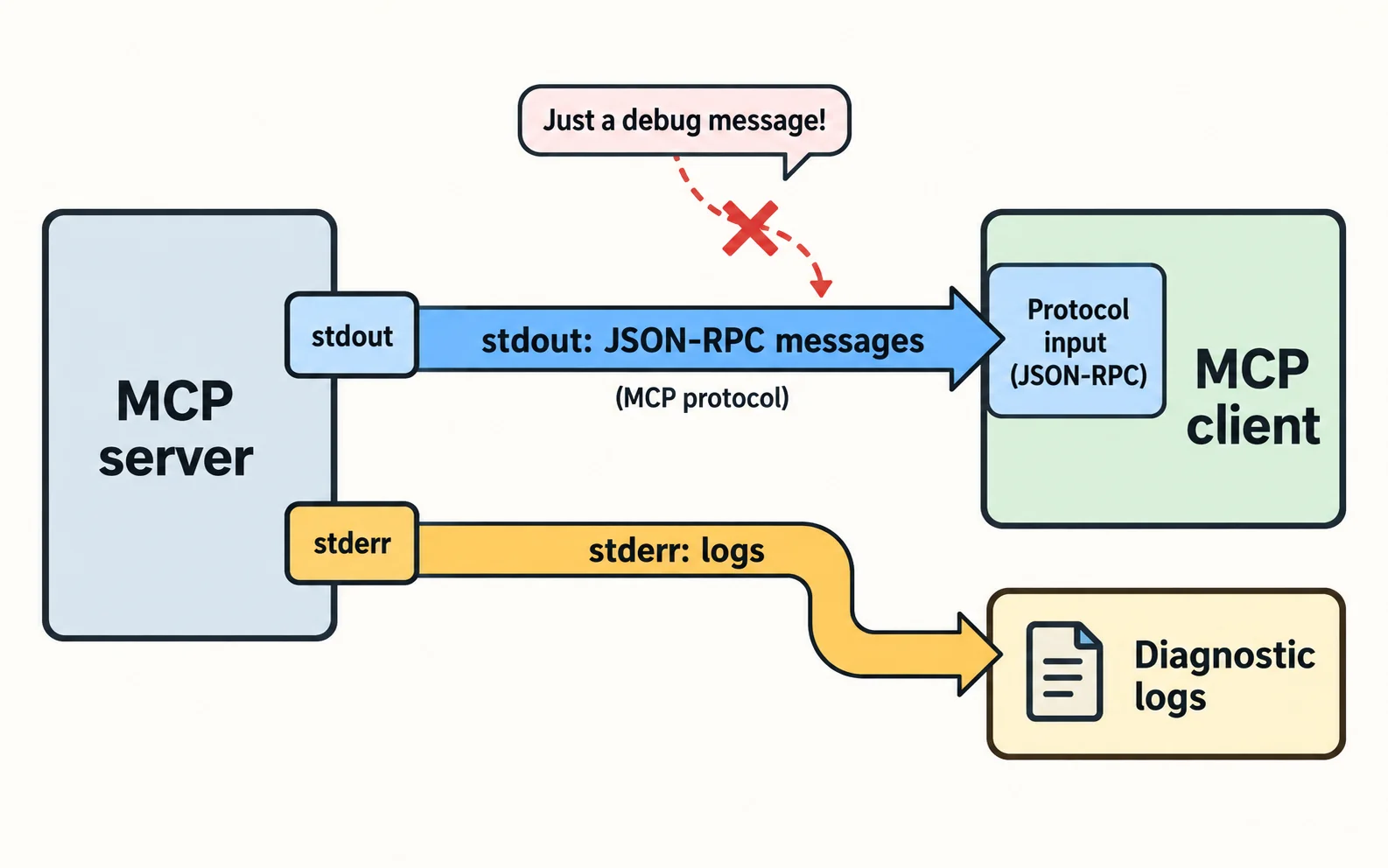
Find startup banners and debug logs contaminating MCP stdio messages, then separate protocol output from diagnostics safely.
Compare MCP tool schemas and identical inputs across clients to isolate compatibility failures without disabling validation or broadening access.
Test multilingual RAG at extraction, retrieval and answer stages, using paired questions instead of assuming fluent output proves good search.
Find why a local model fits initially but fails in longer chats, using a context and concurrency test that separates memory causes.
Separate model loading from prompt processing and streaming delays to diagnose why the first local AI response takes much longer.
Validate AI output in three stages: JSON syntax, schema and real meaning, with explicit handling for missing facts and failed validation.
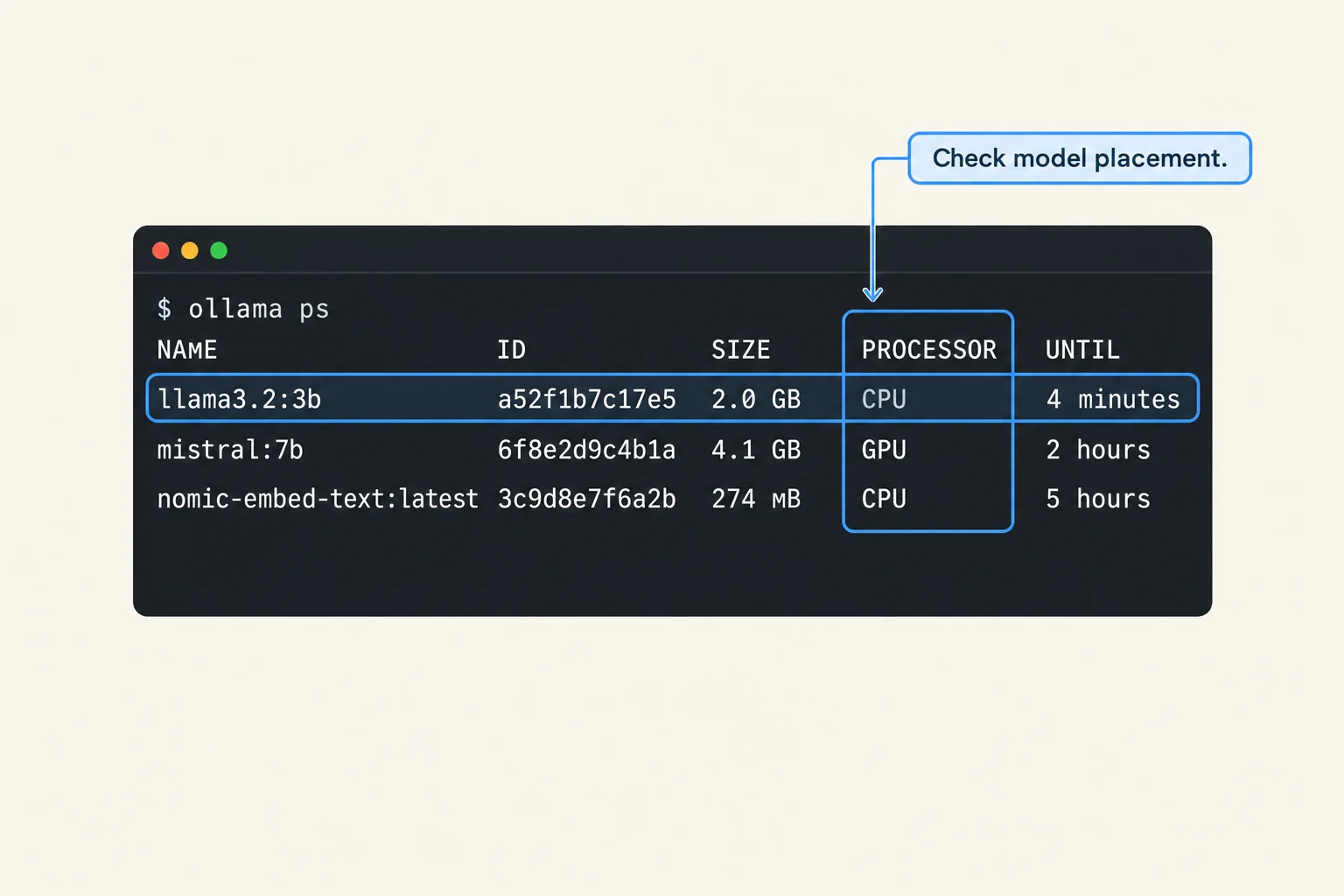
Diagnose Ollama CPU fallback by checking model placement, GPU visibility, context and memory before changing drivers or buying hardware.
Check whether each AI citation supports its exact claim, and distinguish retrieval references, page offsets and unsupported conclusions.
Trace old document facts through chat history, retrieval collections and caches to understand why removed material still influences answers.
Use a harmless document fixture to test prompt-injection handling and enforce tool permissions outside the model's interpretation of text.
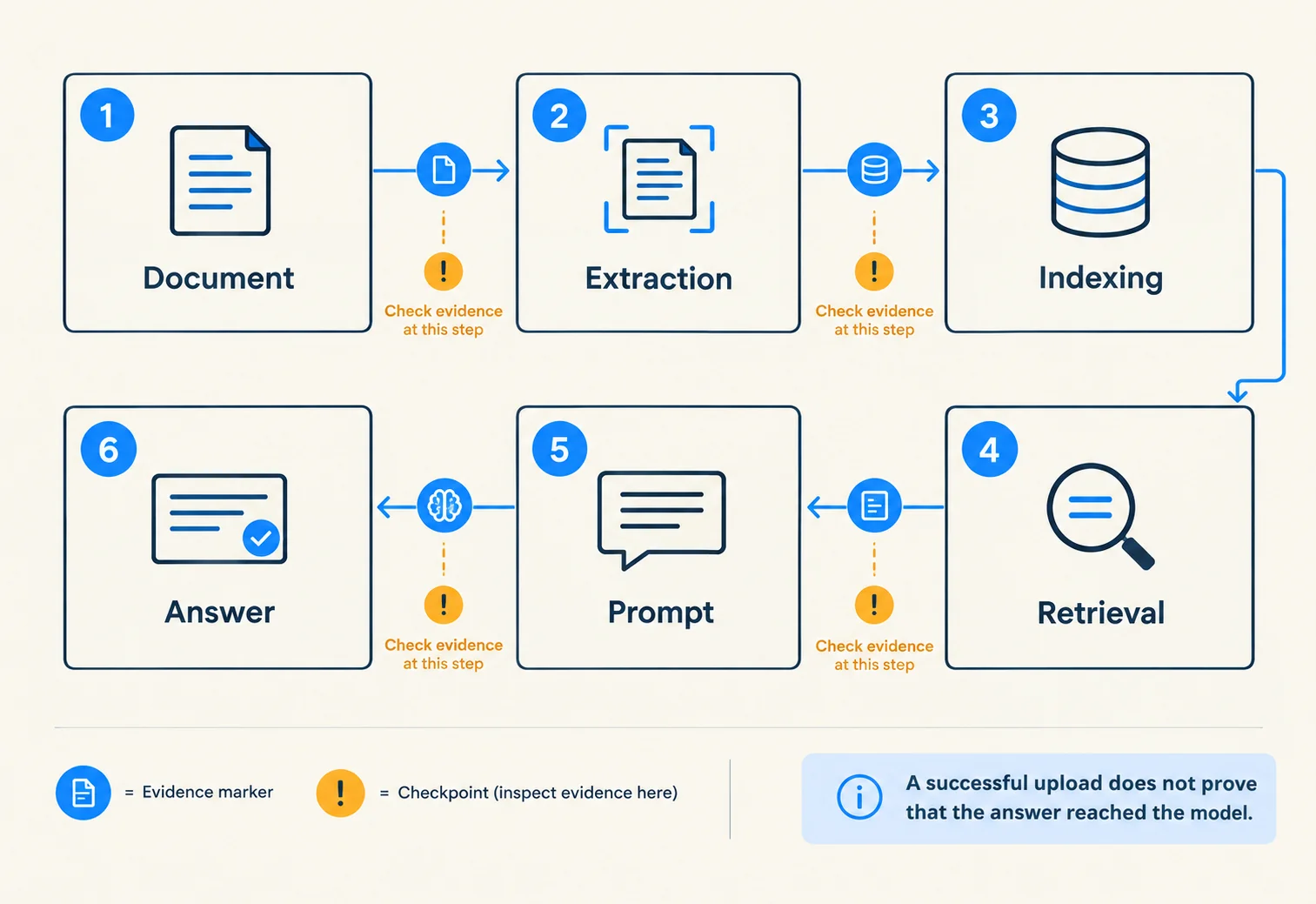
Trace a missing RAG answer through extraction, indexing, selection and retrieval instead of repeatedly uploading the same document.
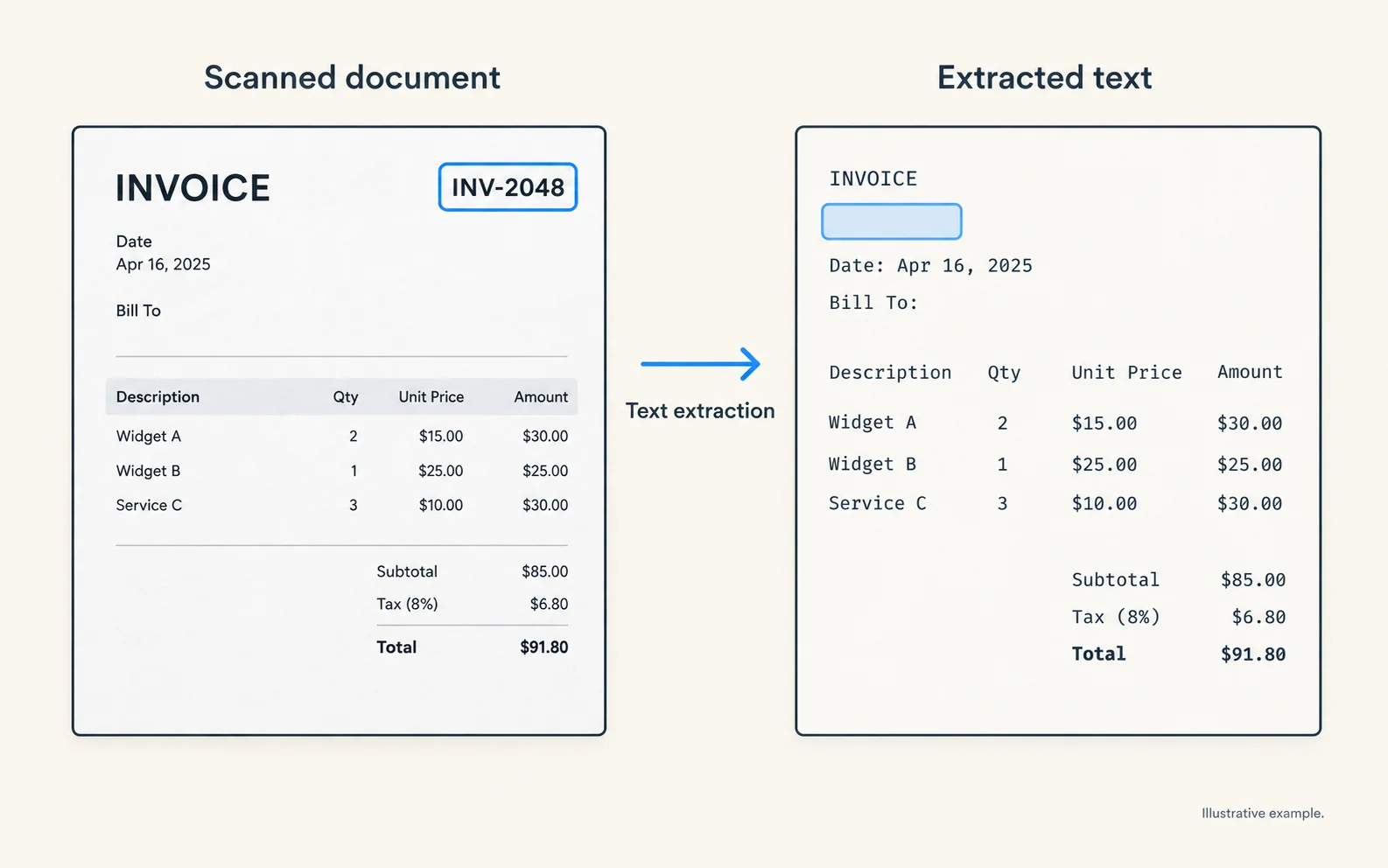
Diagnose scanned-PDF failures by checking OCR, reading order, indexing and retrieval before changing prompts or replacing the language model.
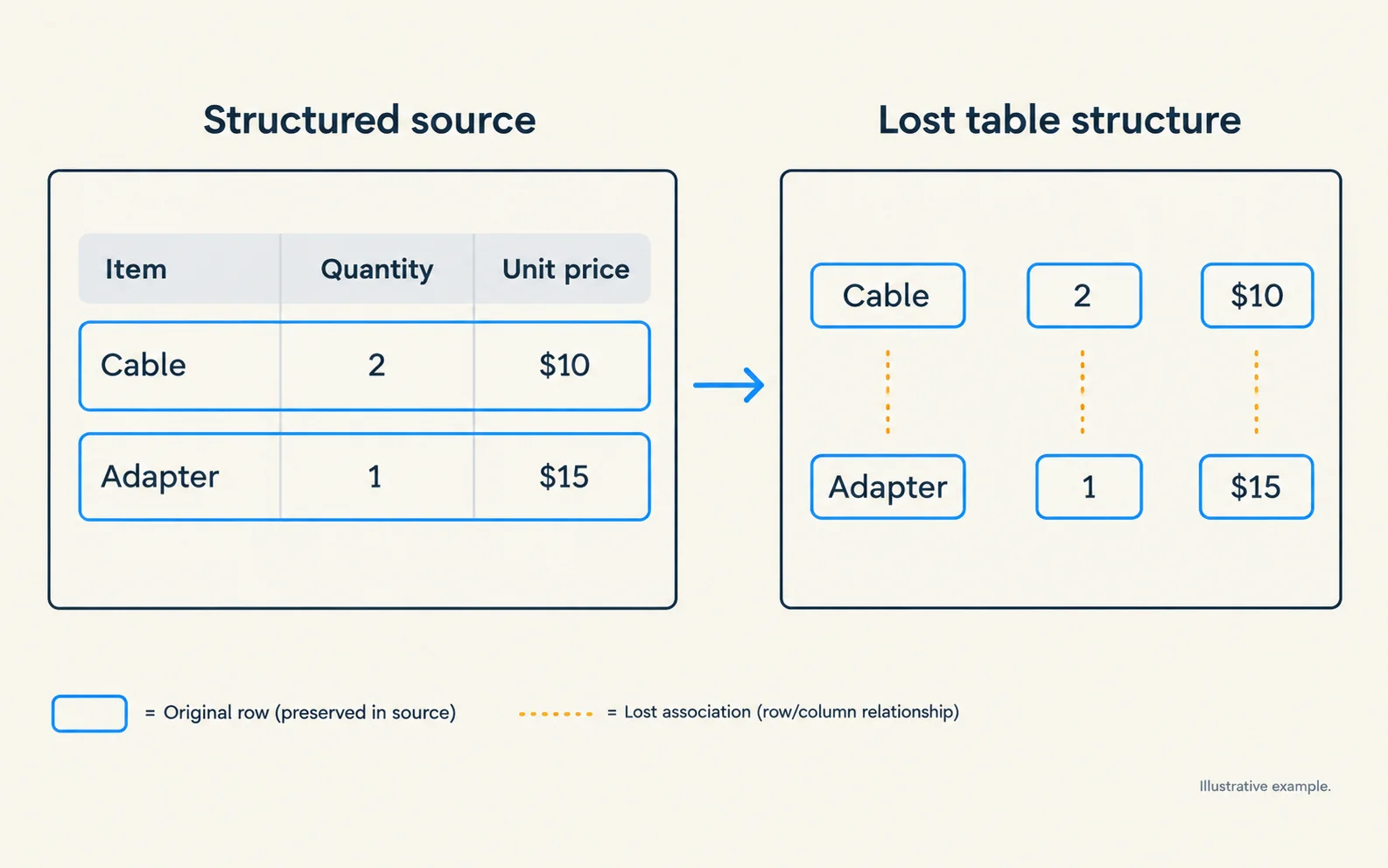
Find whether incorrect AI table totals come from parsing, missing rows or arithmetic, then choose a retrieval or calculation workflow.
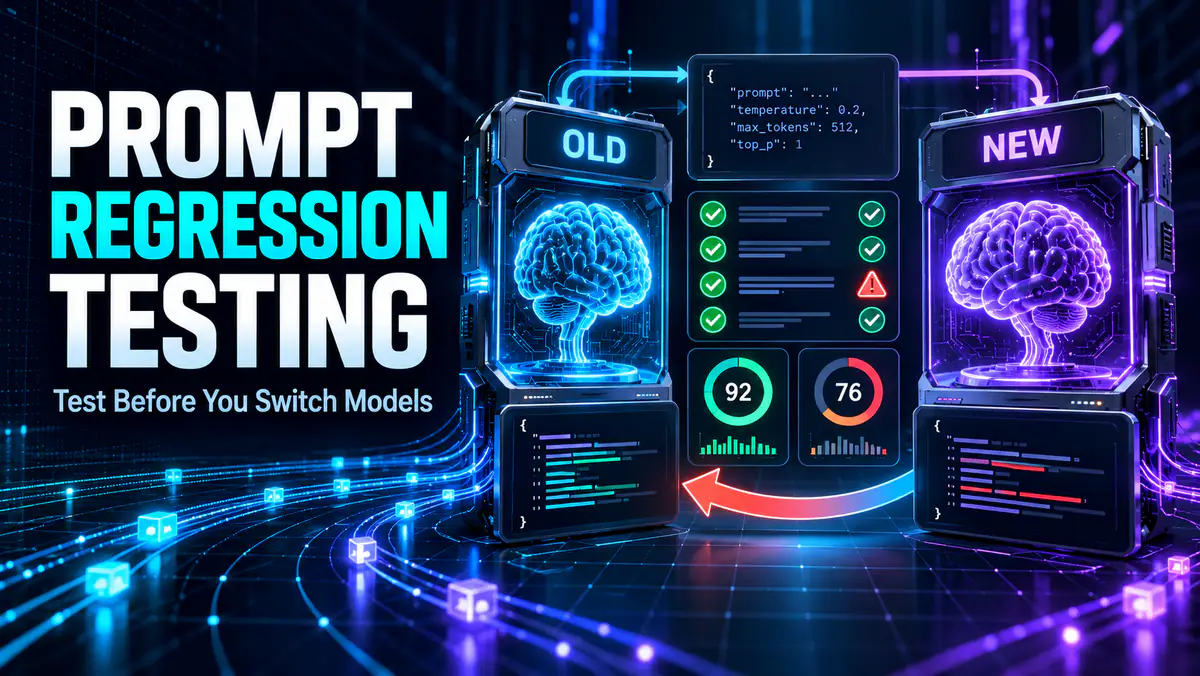
Use prompt regression testing to compare LLM prompts and model updates. Build an eval set, score regressions, automate checks and gate releases.
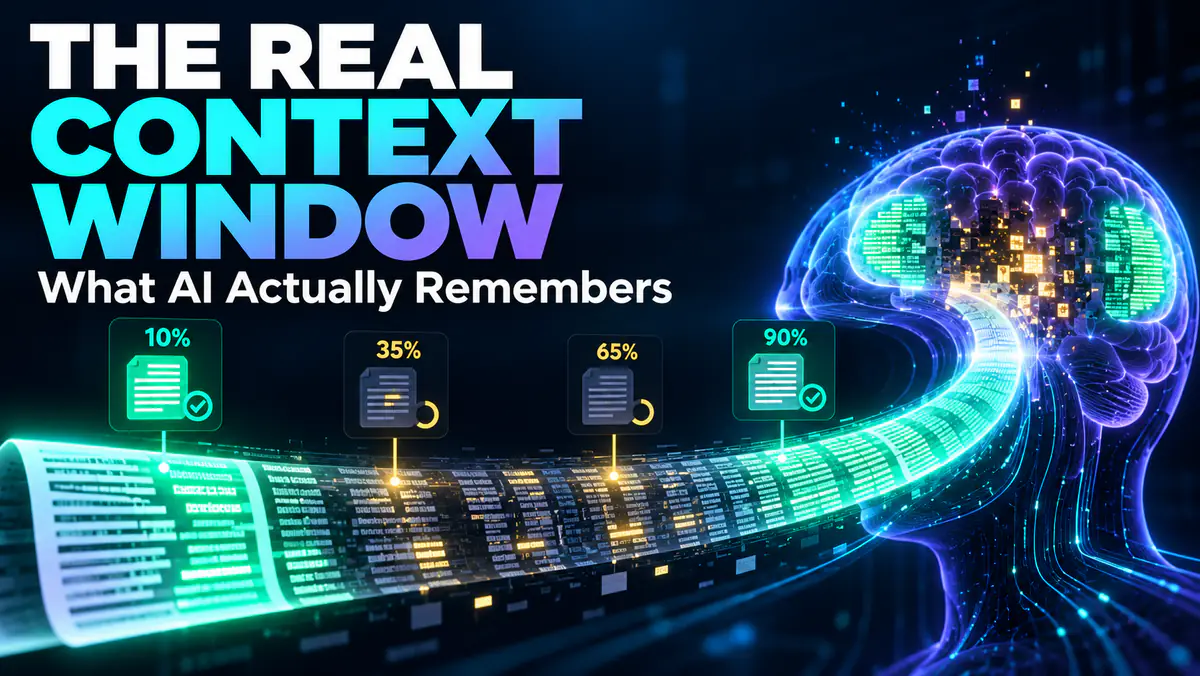
Test an LLM’s usable context window with a repeatable long-context benchmark. Measure retrieval by position, reasoning, citations, cost and latency.
Understand Claude Fable 5.1's coding and knowledge-work improvements, lower cache costs, paid availability and a practical workflow for evaluating it.

Understand GPT-6 Astra's new capabilities, phased availability, safety limits and the best first tasks to try when it appears in your ChatGPT account.
Learn what Grok 4.7 changes for coding and knowledge work, where it is available, how its API is priced and how to test Grok Build's free access.

Anthropic's Claude Opus 5.5 leads in agentic coding at 40% lower cost than Opus 5 in vendor testing. Explore its features, pricing and access options.

Compare four local LLMs for 16GB RAM by download size, hardware and task. Use ten test prompts to check answer quality, memory use and response speed.

Choose Ollama or LM Studio for local AI by comparing model management, desktop chat, scripting, offline use and a fair same-model evaluation.

Gemini 4 is in training, but Gemini 4 Pro is not released. Here is what Google has confirmed, what remains rumor and what would make it the best LLM.

A practical checklist for verifying AI answers: inspect sources, check dates and numbers, reproduce results, and separate evidence from confident wording.
Choose between prompting, RAG and fine-tuning by diagnosing missing information versus inconsistent behavior, with examples and a practical evaluation plan.

Install Ollama, run a small local model, check CPU or GPU usage, and troubleshoot slow responses without assuming every AI feature stays offline.

Compare ChatGPT and Claude for writing, research, coding and daily tasks using official feature sources and a practical workflow checklist.

Everyone's building AI agents. But the term means different things to different people. Here's what actually qualifies — and what doesn't.

Learn how retrieval-augmented generation finds sources, adds context and produces an answer, with a worked example and the limits you need to check.
High signal AI & software stories.
Direct to your inbox. No hype.
Independent analysis of AI models, developer tools, and computing architectures. Delivered every Sunday morning. 100% free.