Why RAG Gets Table Totals Wrong
Find whether incorrect AI table totals come from parsing, missing rows or arithmetic, then choose a retrieval or calculation workflow.
The essentials
- A RAG assistant may see only a few retrieved rows from a table.
- Asking it for a grand total can therefore produce a convincing answer from incomplete evidence.
On this page
A RAG assistant may see only a few retrieved rows from a table. Asking it for a grand total can therefore produce a convincing answer from incomplete evidence. First determine whether the task needs one fact, several related rows or a calculation over the complete dataset.
Identify the required evidence
“Which plan includes feature X?” may need one row and its headers. “What is the total for all regions?” needs every applicable row, units, filters and rules for subtotals.
Open WebUI's RAG documentation notes that retrieved CSV rows can be insufficient for questions about the whole file. A larger language model cannot infer rows that never reached it.
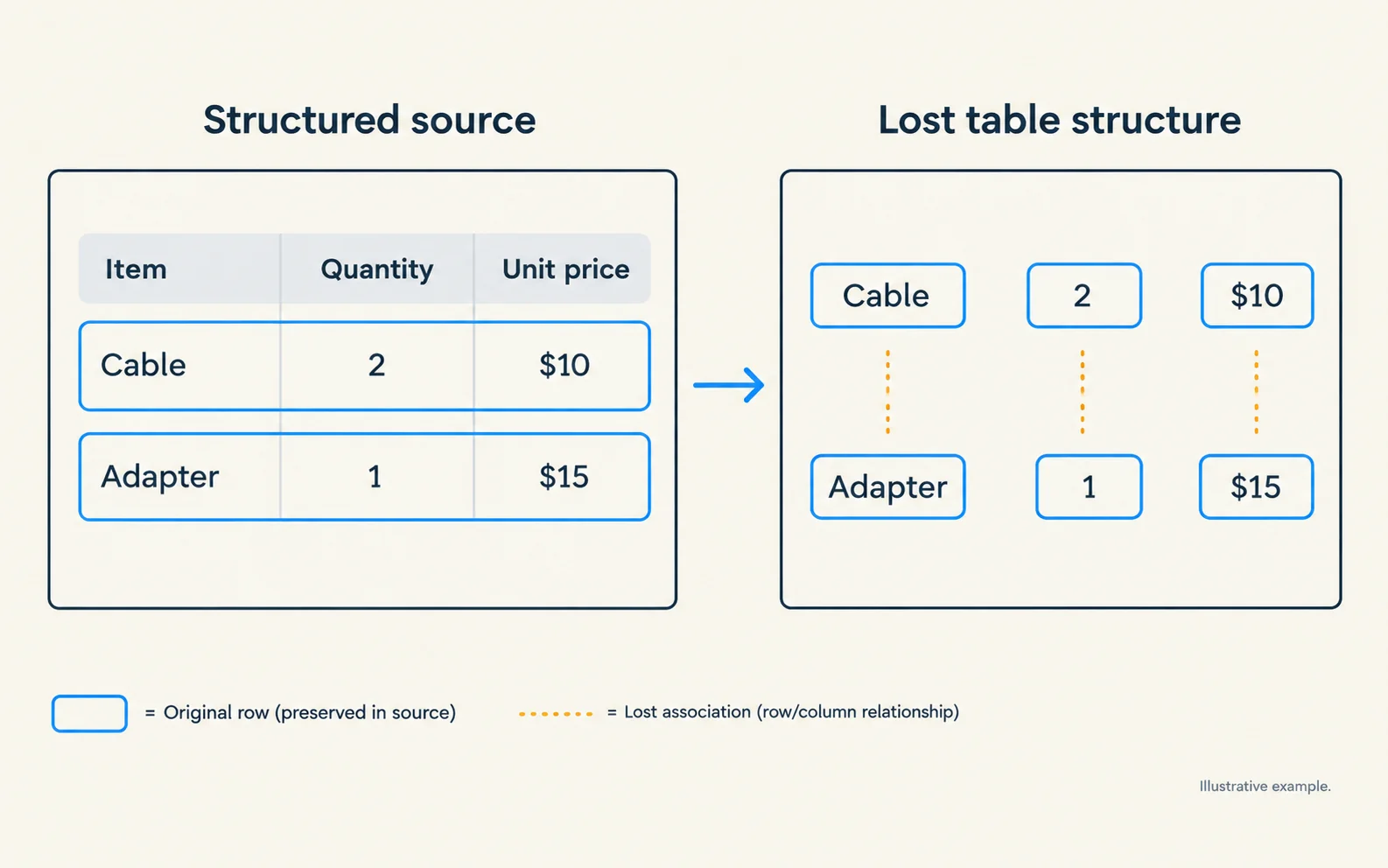
Before changing retrieval, inspect the extracted table. Check whether column names remain attached to values, whether multi-page headers repeat, and whether a subtotal could be counted twice.
Trace one deliberately small example
Use a synthetic table:
| Region | Units | Status |
|---|---|---|
| North | 12 | Confirmed |
| South | 7 | Confirmed |
| West | 5 | Cancelled |
The total for confirmed units is 19. The total without filtering is 24. If the assistant answers 19 to both questions, it may be reusing a prior answer. If it answers 12, it may have seen only one row.
This fixture tests evidence coverage and filtering without exposing real business data.
Route calculations differently
For full-table aggregation, prefer a deterministic calculation over the complete permitted dataset. Have the assistant explain the result and cite the source, rather than perform arithmetic from an arbitrary retrieval sample.
Keep the calculation specification explicit: included statuses, date range, currency, null handling and duplicate handling. An exact sum over the wrong rows is still wrong.
For fact lookup, preserve table title, headers, units and row identifiers with each retrievable segment. Check whether the source includes footnotes that change the interpretation.
Validate the answer and its scope
Ask for the same calculation with one row excluded. Then change a known value and repeat after refreshing the relevant data. The answer should change predictably.
Require the output to state its scope: “19 confirmed units across North and South” is more auditable than “19.” For incomplete data, the assistant should say which rows were available instead of claiming a grand total.
Choose the right next step
If text extraction has destroyed the table structure, fix parsing. If extraction is correct but rows are missing, fix retrieval or use a full-dataset query. If all rows are present but arithmetic is wrong, move the computation outside generation.
Use RAG architecture basics for that separation, and the hallucination-checking worksheet to audit the explanation.
Related troubleshooting
This guide draws on the linked documentation. Examples are illustrative unless explicitly identified as measured results.
Practical guides published by Lucivo, developed with AI assistance and references to official documentation. Examples are illustrative unless a guide explicitly documents a hands-on test. Check the linked sources for current product details.
Related articles
Stop Repeated AI Agent Tool Calls
AI Transcription Invents Words in Silence
Change Embedding Models Without Mixing Vectors
The Weekly Breakdown
High signal AI & software stories.
Direct to your inbox. No hype.
Independent analysis of AI models, developer tools, and computing architectures. Delivered every Sunday morning. 100% free.