Higgsfield Prompts: 8 Camera Moves with Clear Examples
Write clearer Higgsfield prompts for push-ins, pans, tracking and orbits. Get eight original examples plus a checklist for fixing unwanted camera motion.
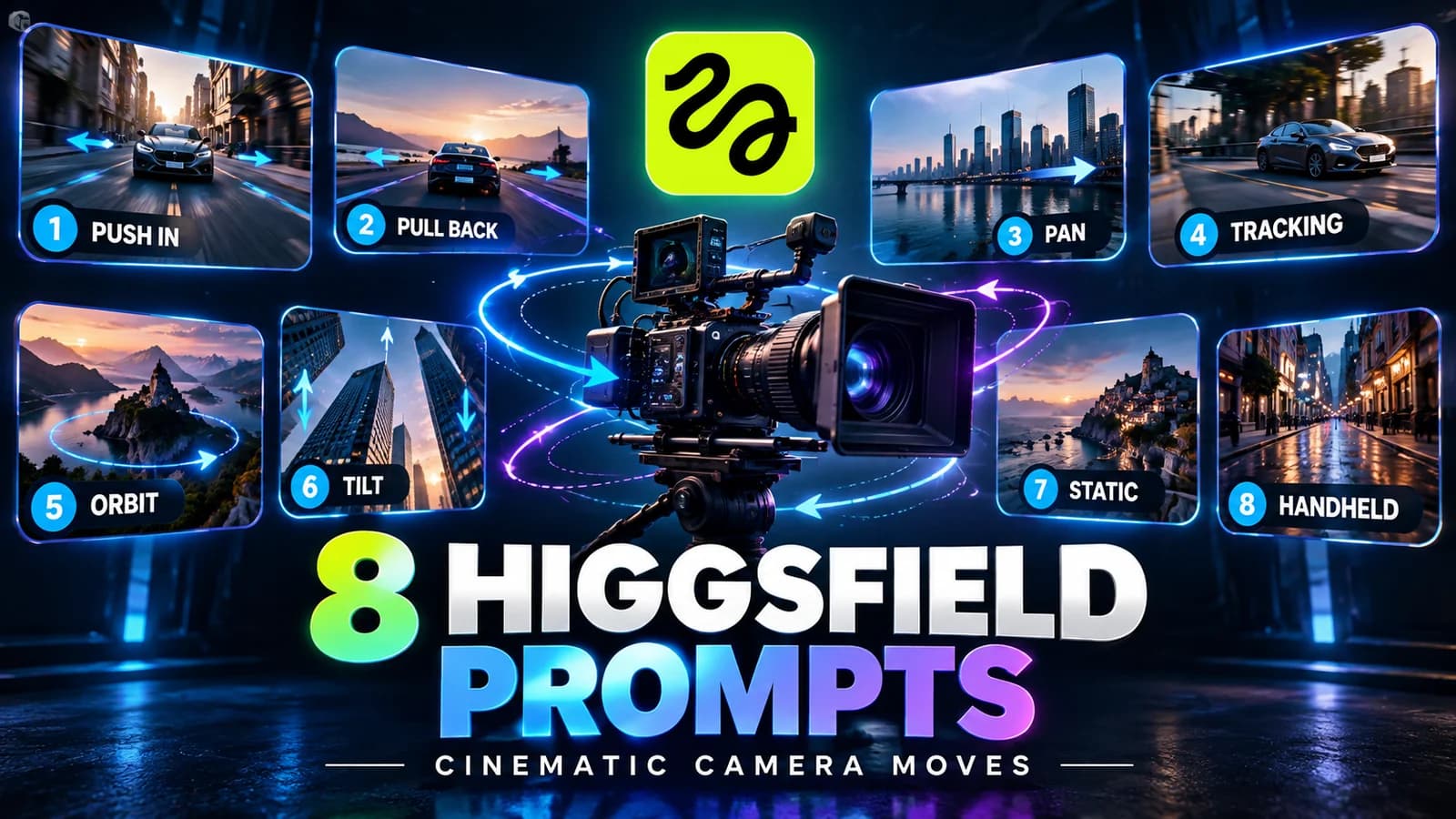
The essentials
- Separate the subject action from the camera path, then define the framing and stopping point.
- Use one dominant movement per short shot and keep the written direction consistent with the selected controls.
- These are original starting prompts, not benchmarked outputs or guarantees of exact motion.
On this page
A useful Higgsfield prompt gives the subject an action and the camera a separate path. Name the starting frame, one movement and the desired end position. Then keep any camera preset or Cinema Studio control consistent with those words. Adding more cinematic adjectives rarely fixes a contradictory shot description.
Source check: September 29, 2026. The eight prompts below are original starting examples, not tested output samples.
If you have not created a first clip yet, use the Higgsfield beginner tutorial before experimenting with a prompt library. This guide focuses on directing motion after setup.
A reusable prompt structure
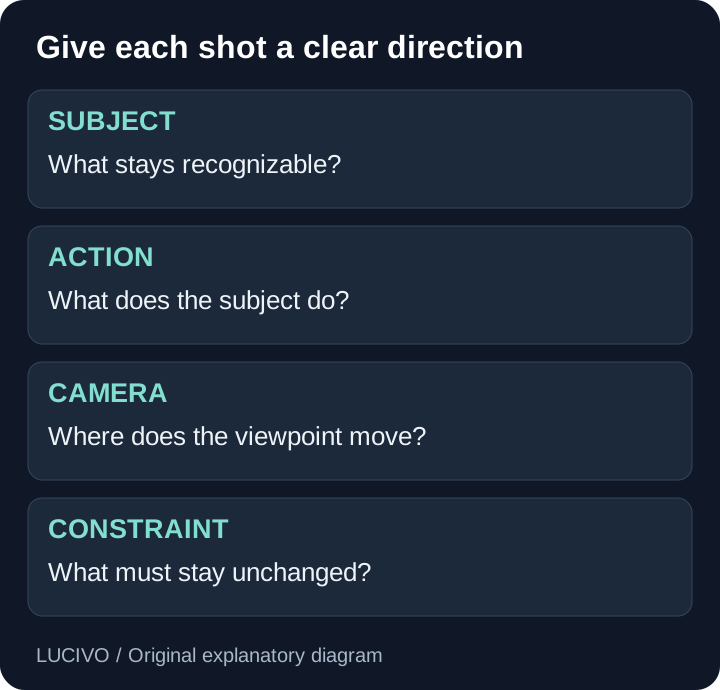
[Subject] in [setting]. [One subject action].
The camera [one movement], starting [framing] and ending [framing].
[Lighting and visual treatment]. Keep [important details] consistent.
One continuous shot.
Higgsfield's camera-control guide distinguishes written camera directions from explicit studio settings. Read both layers together: a selected orbit and a written static-shot request point in different directions.
Eight Higgsfield camera prompt examples
1. Slow push-in for a product detail
A plain ceramic teapot sits on a stone counter. A faint stream of steam
rises from the spout. The camera slowly moves straight toward the teapot,
starting in a medium shot and ending before the handle touches the frame.
Soft window light. Preserve the teapot shape. One continuous shot.
Use it when the viewer's attention should narrow toward the subject. Check whether perspective changes naturally and whether the spout bends. Start wider if the handle is clipped.
2. Pull-back to reveal a setting
A closed blue notebook lies on a desk. The notebook stays still.
The camera slowly moves backward from a close view to reveal the full desk,
a lamp and the surrounding room. Keep the notebook centered and its cover
unchanged. Warm evening light. One continuous shot.
A reveal requires the model to create surroundings beyond the initial view. Supply a wider reference when those surroundings must be specific. Reject a take that invents an unwanted logo or rearranges the desk.
3. Pan across a landscape
A quiet harbor at sunrise with moored boats. The boats barely move.
From a fixed camera position, pan slowly to the right across the harbor.
Keep the horizon level. No forward travel and no zoom. One continuous shot.
This asks for rotation from a fixed position. If foreground objects slide past as though the camera is traveling, reduce the complexity and repeat the fixed-position instruction without adding a second movement.
4. Lateral tracking beside a subject
A cyclist moves slowly along a straight, empty path.
The camera travels parallel to the cyclist from the side at matching speed,
keeping a medium-wide view and a steady distance. The background passes
behind the cyclist. Overcast daylight. One continuous shot.
Check wheel shapes, limbs and the distance between camera and subject. A simpler walking or stationary-object exercise may be easier to evaluate if bicycle geometry repeatedly fails.
5. Short arc around an object
A simple stone sculpture stands in a courtyard and remains still.
The camera makes a gentle quarter arc around it, keeping the same height
and distance. End with a three-quarter view. Preserve the sculpture's
silhouette and material. One continuous shot.
An arc exposes new surfaces. A short arc is a more controlled first attempt than a complete 360-degree orbit. Additional references can help specify the object where the chosen workflow supports them.
6. Upward tilt for an architectural reveal
A tall lighthouse stands against a clear sky. From a fixed camera position,
tilt slowly upward from the entrance to the lantern room. Keep the tower
vertical and the camera position fixed. Calm daylight. One continuous shot.
Look for windows changing position or the building bending. A tilt rotates the view upward; it does not ask the camera to rise along the building.
7. Locked frame with subject movement
A paper boat rests in a shallow basin of water. A small ripple gently moves
the boat from left to right. The camera is locked in a wide view with no
pan, zoom or travel. Preserve the boat's folded shape. One continuous shot.
This is a useful baseline because it removes camera motion from the task. Compare it with moving-camera versions to see whether the subject animation itself is the weak point.
8. Restrained handheld observation
A person wearing a plain jacket pauses beside a café window.
Use a medium shot with very subtle handheld camera sway from one position.
The person turns slightly toward the window. Natural daylight, no rapid
shake and no cut. Keep clothing and background consistent.
Use a permitted reference and check facial and clothing continuity. Handheld should describe a small viewpoint variation, not an instruction to make the entire frame unstable.
Pan, track, orbit and zoom are different requests
| Move | What changes | What to watch for |
|---|---|---|
| Pan or tilt | Viewing direction from a fixed position | Unwanted camera travel |
| Push or pull | Distance to the subject | Cropping and shape changes |
| Track | Camera position along a path | Subject scale drifting |
| Orbit or arc | Viewpoint around the subject | Invented unseen surfaces |
| Zoom | Apparent magnification | Confusion with physical travel |

Fix the instruction before adding detail
When motion is wrong, first remove competing verbs. “Orbit, zoom, track and crash into a close-up” is several shots compressed into one. Split it into separate clips or select one dominant direction.
Next, compare the words with the active controls. The Cinema Studio version guide documents changing controls across releases, so an older prompt recipe may assume a different interface. Finally, check whether the reference has enough space for the requested move.
Record the prompt, reference, model, settings and reason for rejecting each take. Keep retries within a defined credit budget. An acceptable result should preserve the subject, follow the requested direction and remain usable in the target crop.
Use the Higgsfield overview to choose a different workflow if prompting is not the actual bottleneck. Refresh this library when studio controls change, and label any future measured examples with their model, settings and date.
Common Questions & Practical Answers
Specify the subject, its action, the camera movement, the intended framing and what should remain unchanged. Keep these instructions consistent with any selected studio controls.
Practical guides published by Lucivo, developed with AI assistance and references to official documentation. Examples are illustrative unless a guide explicitly documents a hands-on test. Check the linked sources for current product details.
Related articles
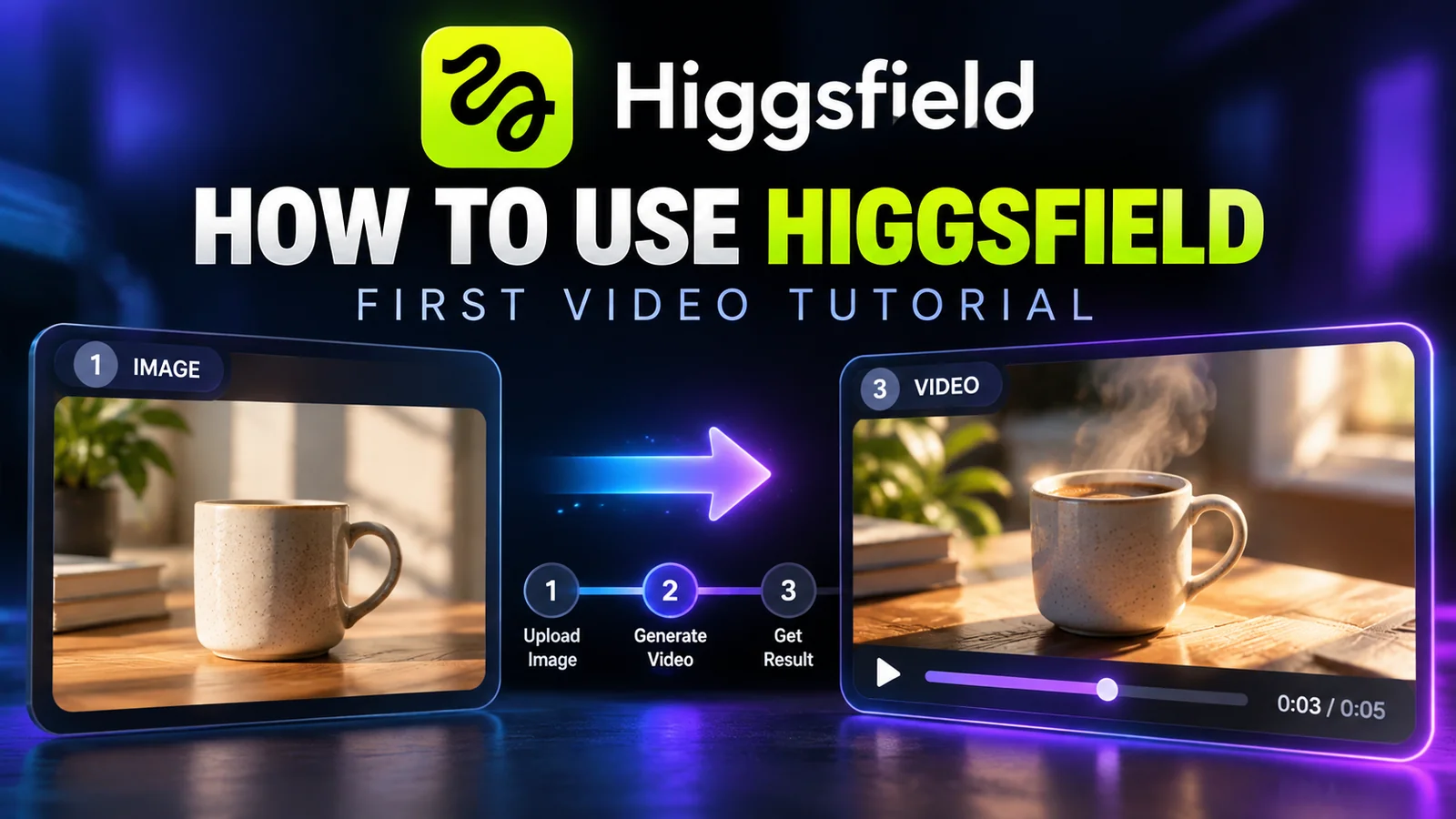
How to Use Higgsfield AI: Your First Image-to-Video Clip
Higgsfield AI: What It Does and Who Should Use It

Higgsfield Pricing: Plans, Free Access and Credit Costs
The Weekly Breakdown
High signal AI & software stories.
Direct to your inbox. No hype.
Independent analysis of AI models, developer tools, and computing architectures. Delivered every Sunday morning. 100% free.