Higgsfield vs Runway: Which AI Video Workflow Fits You?
Compare Higgsfield and Runway on creative workflow, free access, credits and production needs. Use a fair shot test to choose the right platform.
The essentials
- Compare the complete workflow and selected models; both platforms expose more than one generation model.
- Subscription prices and credits are not directly comparable without duration, resolution and accepted-output counts.
- Use the same reference, shot brief and spending cap instead of inferring a quality winner from marketing examples.
On this page
Shortlist Higgsfield when its Cinema Studio and specialized creative workflows match how you want to direct a shot. Shortlist Runway when its model access, project features and finishing options fit your production process. Choose between them using accepted output from the same brief, rather than a universal claim about which produces “better AI video.”
Official sources checked September 29, 2026. This is a documentation-based comparison with a proposed evaluation method; Lucivo has not run a scored generation benchmark for this article.
Higgsfield vs Runway at a glance
| Decision | Higgsfield | Runway |
|---|---|---|
| Creative entry points | Image/video tools, Cinema Studio and specialized workflows | Creative platform with generation, projects and editing-related capabilities |
| Model choice | Multiple models and workflows | Native and third-party models listed on the current plan page |
| Free exploration | Limited eligible generation; no included credits | 125 one-time credits on Free |
| Paid-plan comparison | Check model access, credit setting and promotional windows | Check credits, project limits and included production features |
| Useful first test | One reference-led shot with explicit motion | The same reference-led shot with explicit motion |
| Quality evidence here | No measured benchmark | No measured benchmark |
Product references: Higgsfield, its plan documentation, and Runway's current plan page.
Compare platforms, models and settings separately
A platform supplies the interface, asset workflow, billing and controls around a generation model. Two people using the same platform can produce very different results because they choose different models or inputs.
Runway's current pricing page lists third-party options alongside its own models, so an older comparison that describes it as exclusively one model family is incomplete. Likewise, “Higgsfield” alone is not a precise model identifier.
Record the complete setup. If the selected models differ, describe your test as a comparison of the available workflows. If both products expose the same model, matching the model name still does not guarantee identical settings, defaults or processing.
Our Higgsfield overview explains its product structure before you choose a particular route.
When Higgsfield deserves a place on your shortlist
Cinema Studio is useful to investigate when shot direction is central to the task. Its official help describes version-dependent camera, reference and production controls. The practical question is whether those controls make your intended result easier to specify and revise.
For a product concept, for example, the important steps might be preparing the reference, directing a restrained move and preserving the object through the shot. A workflow that lets you understand and repeat those steps has value even if you do not use every available tool.
Try the first-video exercise and use the camera prompt examples to define a clear shot. Judge whether the controls actually improve that task in your trial.
When Runway deserves a place on your shortlist
Runway is worth evaluating when its combination of models, project organization and plan-specific production features matches your work. The current paid-plan table includes features such as upscaling, audio generation and, on higher tiers, Brand Kits or additional project capacity.
Do not buy from a feature count alone. If you already finish footage elsewhere, an extra finishing feature may add little value. If a team repeatedly passes assets between people, project organization and storage can matter more than a small difference in generation price.
Write down which features you would use each week. Then confirm they belong to the tier you are comparing. A top-tier feature should not be used to justify the price of an entry plan that lacks it.
Pricing: compare usable output, not credit totals
At the source check, Runway advertised Standard at a $12 monthly equivalent on annual billing, with 625 monthly credits. Its free allowance was a one-time 125 credits. Higgsfield's base individual cards showed Basic at $9 monthly, Pro at $29 and Max at $79, before taxes; annual rates and credit options differed.
For the full Higgsfield snapshot and its temporary-offer caveats, see Higgsfield pricing. Confirm Runway's current billing selector and model rates on its linked pricing page before paying.
The comparison metric is:
Effective cost = generation spend + finishing effort
Useful output = accepted clips or accepted seconds
Keep spend and labor as separate recorded values unless you have a consistent hourly rate. A low-cost clip that takes an hour to repair can be less useful than a more expensive clip ready for editing.
A fair three-shot test
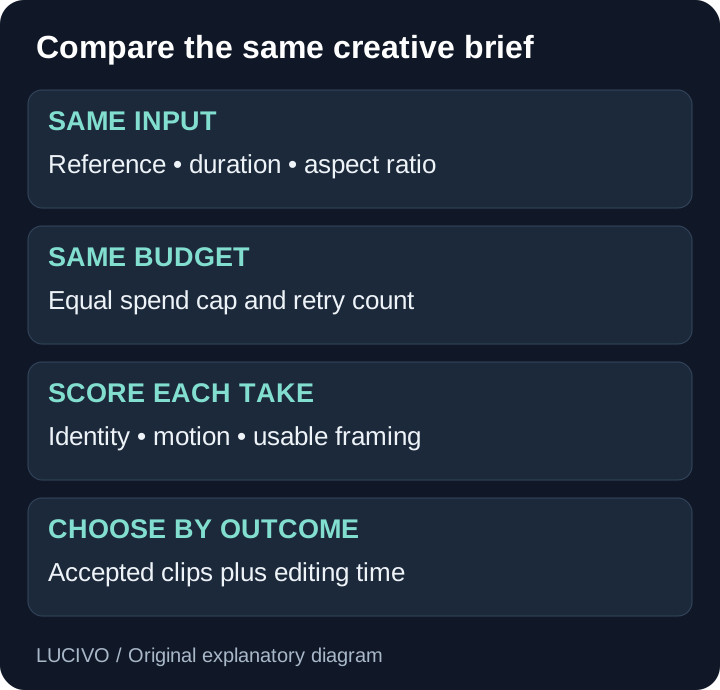
Use a still you have permission to upload, the same output ratio and a similar supported duration. Set an equal spending cap and a fixed maximum retry count. Save every attempt, including failures.
| Trial | Brief | Reject if |
|---|---|---|
| Product detail | Slow push toward a plain cup | Shape changes or the cup leaves the frame |
| Environmental reveal | Gentle pull-back from a notebook | New objects contradict the reference |
| Subject motion | Paper boat drifting in a fixed shot | Camera moves unexpectedly or the boat deforms |
Score each take from zero to two for subject continuity, requested motion, usable framing and finishing effort. Zero means unusable, one means repair is needed, and two means the acceptance condition is met. Keep a note beside each score so another reviewer can understand it.
Do not average away a critical failure. A product shot with a distorted label can be rejected even if its lighting earns full marks. Define essential conditions before seeing the results.
Choose the workflow you can repeat
Pick Higgsfield if its controls and asset flow help you produce acceptable shots with less correction in your own test. Pick Runway if its available models and production features make the end-to-end process easier. Use both only when each solves a distinct recurring need.
After a week or a small project, review accepted clips, total spend and editing time. Keep the subscription that improves those outcomes. This is a more durable decision than switching whenever a showcase reel looks impressive.
Sources and refresh policy
The comparison uses the official product, plan and studio documentation linked in each section. Feature descriptions are vendor-documented capabilities, not independent performance findings. Recheck monthly and after changes to free allowances, model access, plan names, studio controls or production features. Publish measured results only after recording the actual prompts, settings, outputs and evaluation procedure.
Common Questions & Practical Answers
There is no established universal winner in this guide. Compare the required models, shot controls, editing workflow and cost of accepted output using the same creative brief.
Practical guides published by Lucivo, developed with AI assistance and references to official documentation. Examples are illustrative unless a guide explicitly documents a hands-on test. Check the linked sources for current product details.
Related articles
Higgsfield AI: What It Does and Who Should Use It
Higgsfield Pricing: Plans, Free Access and Credit Costs
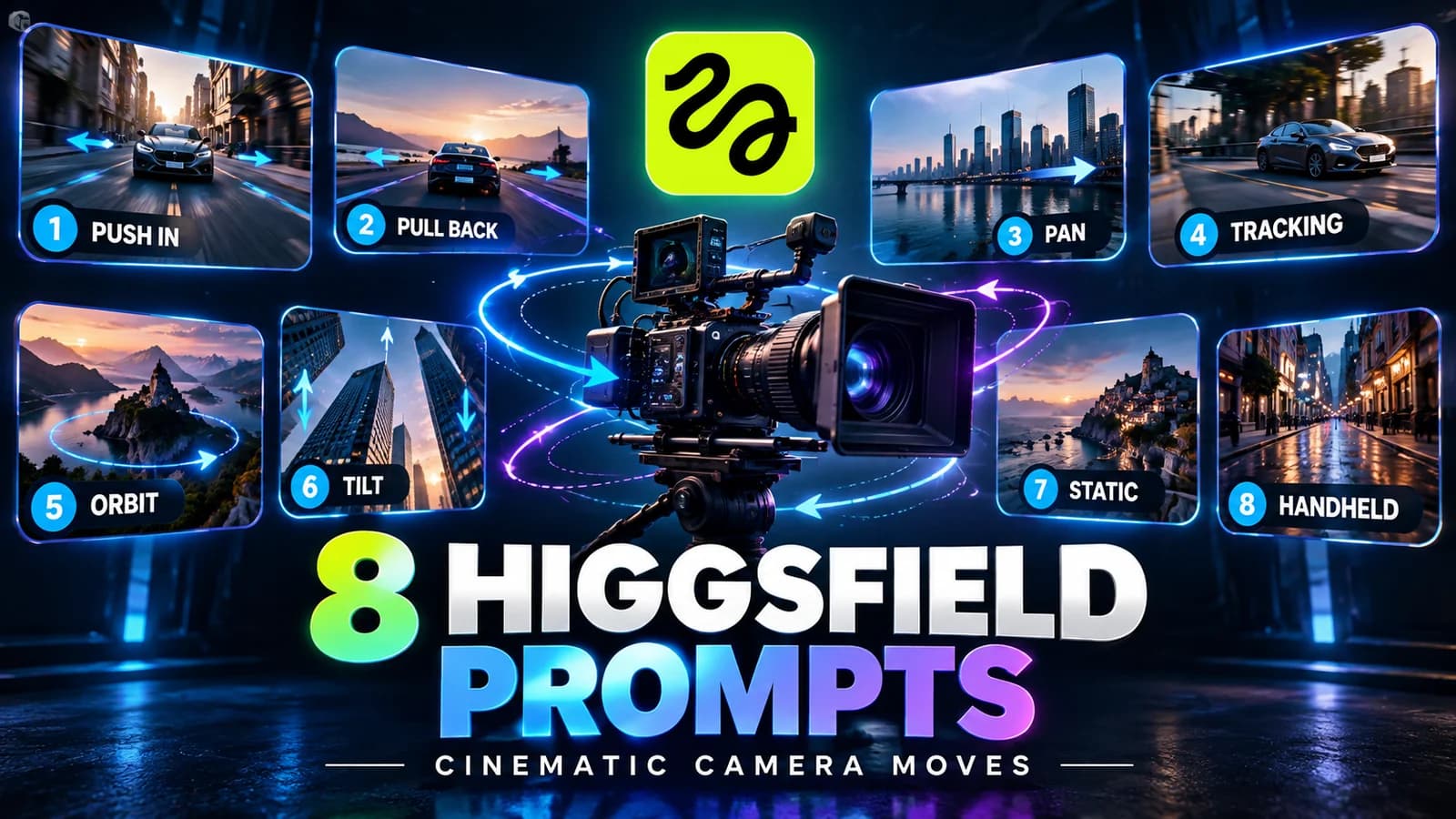
Higgsfield Prompts: 8 Camera Moves with Clear Examples
The Weekly Breakdown
High signal AI & software stories.
Direct to your inbox. No hype.
Independent analysis of AI models, developer tools, and computing architectures. Delivered every Sunday morning. 100% free.