Higgsfield AI: What It Does and Who Should Use It
Explore Higgsfield AI for images, video and cinematic workflows. Understand its tools, limitations and the best starting point for your first project.
The essentials
- Higgsfield combines creative workflows and multiple generation models; the platform name does not identify one video model.
- Start with one short shot and an acceptance checklist before attempting a complete campaign or film.
- Choose the workflow first, then check model access, credits and output requirements before paying.
On this page
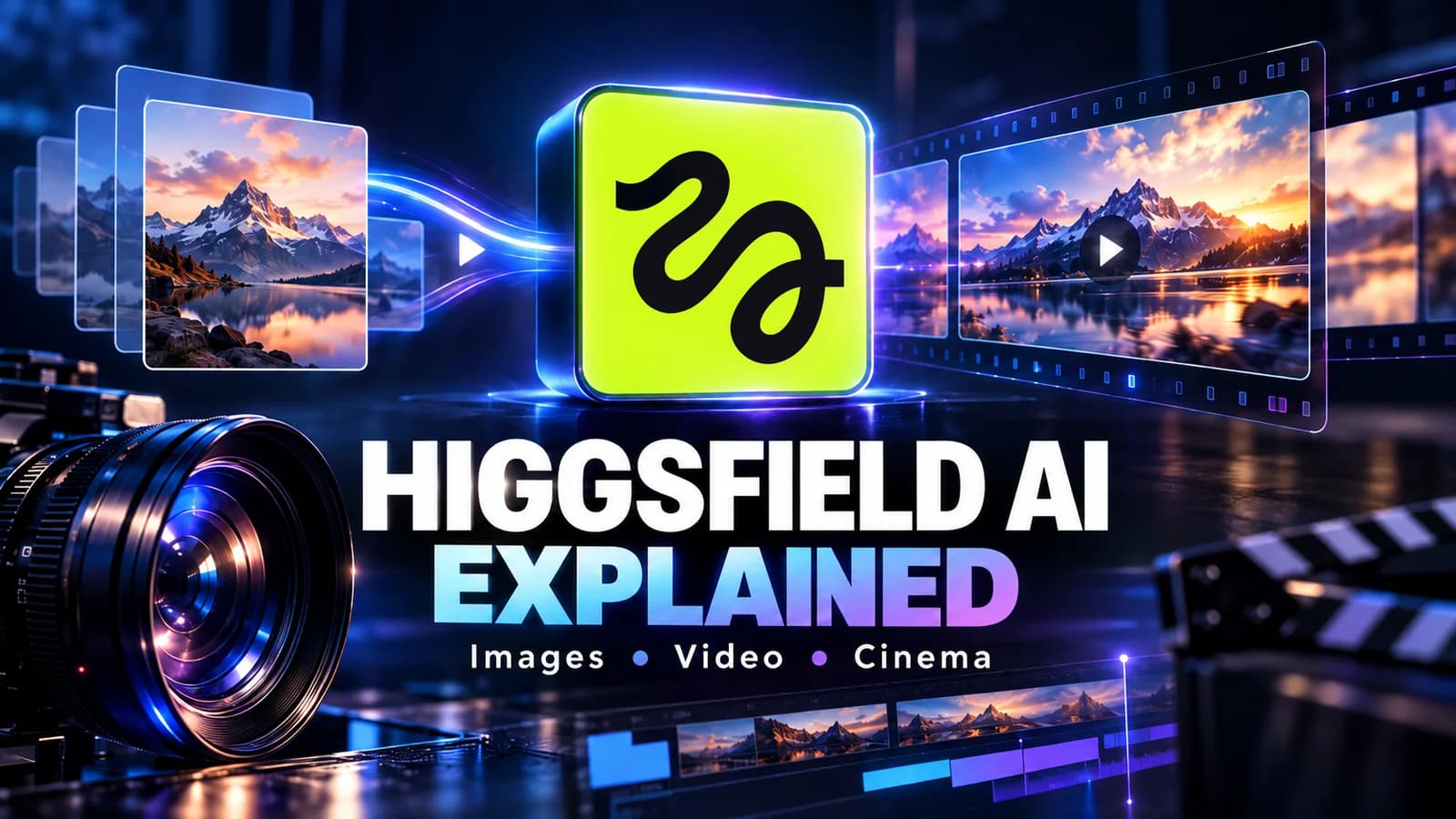
Higgsfield AI is a creative platform for generating and editing images and video, with tools for camera direction, reusable visual assets and production workflows. It is worth exploring when you want to turn a visual idea into a short shot, especially when framing and motion matter as much as the subject.
Source check: September 29, 2026. This is a documentation-based guide, not a scored hands-on review.
The useful starting question is specific: do you need a still image, an animated photograph, a cinematic sequence or a finished advertisement? Those deliverables involve different work. A convincing five-second clip does not automatically supply the script, transitions, captions or final edit for a longer video.
What does Higgsfield actually do?
The official site groups creation into image, video and audio tools, alongside Cinema Studio, Marketing Studio, editing, Canvas and Supercomputer. It also exposes developer and agent integrations. Treat these as routes through a larger creative suite, with access depending on the account and selected workflow.
That distinction matters when someone says “Higgsfield looks better.” A result depends on the chosen model, input image, prompt, duration, output settings and editing. Comparing an unspecified Higgsfield clip with an unspecified competitor clip tells you little about repeatability.
| Your goal | A sensible starting point | Your acceptance check |
|---|---|---|
| Create a reference image | Image generation | Subject, layout and details are correct |
| Animate an existing picture | Image-to-video workflow | Identity and geometry survive motion |
| Direct a cinematic scene | Cinema Studio | Camera direction and shot continuity work |
| Develop a product campaign | Marketing workflow | Product claims and brand details stay accurate |
| Automate repeated asset work | Documented API or agent integration | Costs, permissions and output checks are controlled |
This table is a decision aid, not a claim that every tool or model is included on every plan. Use the Higgsfield pricing guide to match access and credit allowance to the work you actually need.
Think in shots before thinking in films
The most manageable first project is one subject doing one thing. A ceramic cup on a table, a slow camera move and consistent lighting give you a result that is easy to evaluate. Several characters, dialogue, moving vehicles and multiple cuts introduce many more ways for a generation to fail.
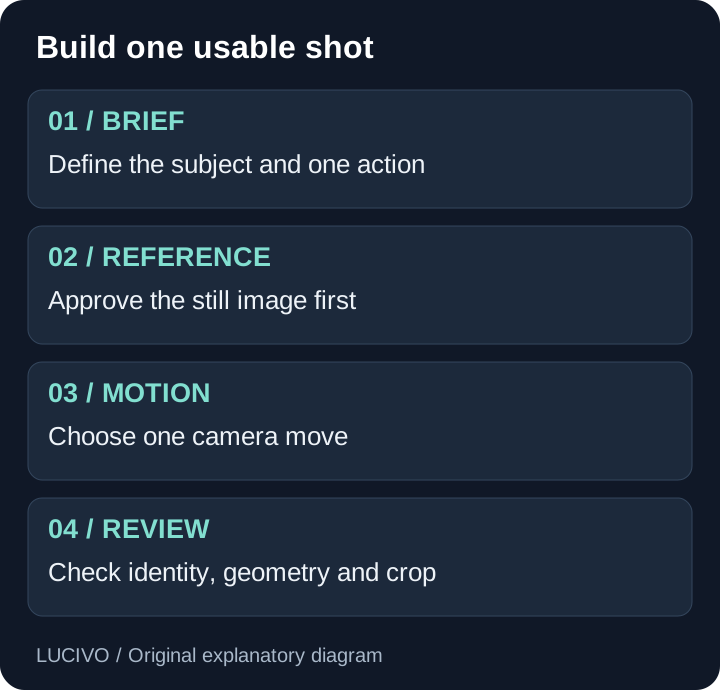
Write a tiny shot brief before opening the generator:
Deliverable: one short landscape clip for a website banner.
Subject: a plain ceramic cup on a wooden table.
Action: a faint ribbon of steam rises from the cup.
Camera: a slow push toward the cup; no cut.
Keep fixed: cup shape, table surface and background objects.
Acceptance: no warping, new objects or sudden camera jumps.
This is an original starting example, not a tested Higgsfield output. Its value is the separation of subject action from camera motion. You can tell whether a retry improved the shot instead of deciding only whether it feels more cinematic.
For a complete sequence from input to export, follow our beginner Higgsfield tutorial.
Where Cinema Studio fits
Higgsfield's Cinema Studio help page describes several versions rather than one unchanging interface. At the source check, it identified 4.0 as the default and documented a Director's Panel, reference inputs and extended clip options. Older tutorials can therefore show controls that differ from the version in front of you.
Use the studio when you want to specify the shot's visual language. Start with the framing and one camera direction, then add lighting or lens choices that serve the scene. More settings are useful only when you know what each one is supposed to change.
Our camera-movement prompt guide explains push-ins, pans, lateral tracking and orbits with original examples and common failure patterns.
Who should consider it?
Higgsfield is a reasonable shortlist candidate for creators building short social clips, marketers exploring visual concepts, and filmmakers preparing rough previsualizations. Its appeal is having several creative paths in one place.
For a solo creator, the question is whether the workflow produces enough usable material within the available budget. For a team, add review, asset organization and repeatability to the decision. One striking example matters less than whether another person can reproduce the process next week.
It may be a poor fit when the job requires exact product geometry in every frame, documentary evidence of an event, or a guaranteed delivery time for an untested generation. Use real footage when accuracy is the point of the work. Generated illustrations should be presented as illustrations.
What to check before subscribing
First, verify that your intended model and output settings are available on the chosen plan. Next, make a short trial and count every attempt, including rejected takes. Finally, check the downloaded file in the actual place it will be used: a vertical feed, a presentation or a website.
Keep a simple production log:
| Record | Why it matters |
|---|---|
| Model and workflow | Avoids attributing every result to the platform name |
| Input and prompt | Makes a later comparison meaningful |
| Credits spent | Captures the cost of retries |
| Accepted seconds | Measures useful output rather than rendered duration |
| Editing time | Reveals work still needed after generation |
If your existing AI workflow already handles scripting or research, retain that role and use Higgsfield for the visual stage. Our AI productivity workflow analysis explains why adding a tool helps only when it removes a specific bottleneck.
Higgsfield or another video platform?
Try the same brief in the products you are considering. Compare recognizable subjects, requested motion, usable framing and the work needed to finish the clip. Do not assume that the largest model menu gives you the best result for your task.
Read Higgsfield vs Runway for a documented feature comparison and a repeatable evaluation worksheet. If budget is the main concern, start with the free-access and credit explanation.
Sources and maintenance
This guide draws on the Higgsfield product site, platform explainer, plan documentation and Cinema Studio help linked above. Recheck it after changes to the studio, model access or product navigation. Workflow examples are editorial suggestions; no generation benchmark is claimed.
Common Questions & Practical Answers
Higgsfield is a creative platform for generating and editing visual content, including images, video and cinematic shots. Its interface combines multiple models with specialized workflows.
Practical guides published by Lucivo, developed with AI assistance and references to official documentation. Examples are illustrative unless a guide explicitly documents a hands-on test. Check the linked sources for current product details.
Related articles
Higgsfield Pricing: Plans, Free Access and Credit Costs
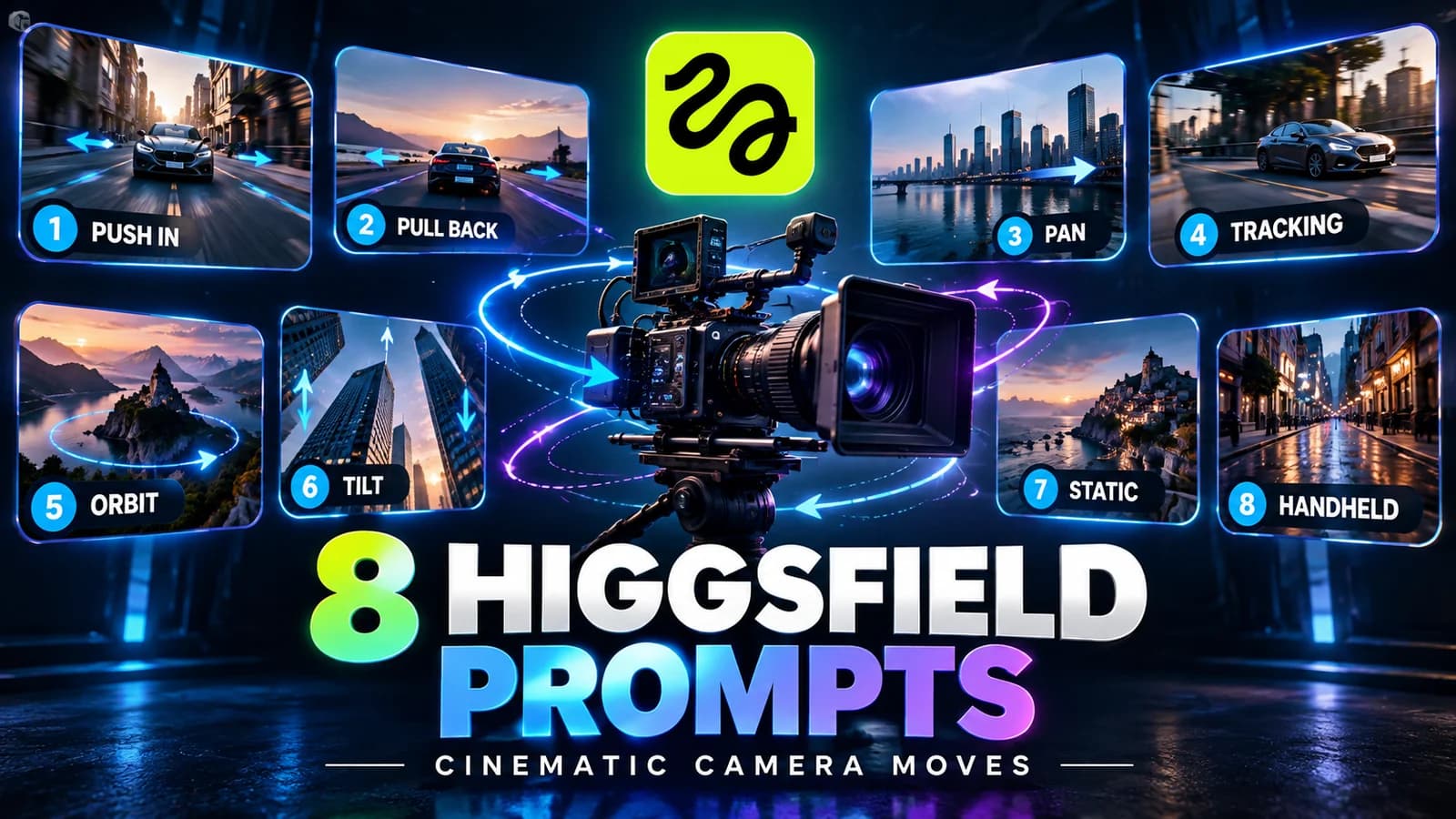
Higgsfield Prompts: 8 Camera Moves with Clear Examples
Higgsfield vs Runway: Which AI Video Workflow Fits You?
The Weekly Breakdown
High signal AI & software stories.
Direct to your inbox. No hype.
Independent analysis of AI models, developer tools, and computing architectures. Delivered every Sunday morning. 100% free.