
Guides
AI Video Cost per Usable Second: A Practical Method
Calculate the real cost of AI video generation per usable second. Count credits, retries and rejected clips, then compare tools by accepted footage.
Julian Thorne·9 min read·
Plan an AI video project through product choice, credit budgeting, camera prompts and output review.
An AI video project involves several separate choices: the platform, the budget, the reference material and the motion you want. This collection follows that sequence using the Higgsfield guides and a comparison with Runway. Work through the steps before treating a polished example as a repeatable production result.
Identify the product's role in your project.
Consider credits, attempts and billing terms together.
Prepare a reference and one clear motion.
Adapt an example and check unwanted motion.
Use the same shot brief to evaluate the output.
Start with the overview if the workflow is new. Check the dated pricing guide before committing to a plan, then try a small clip and inspect the result. Prompt examples are starting points, not guarantees of camera behavior. Use the platform comparison when you can describe a shot both tools should attempt.
Calculate the real cost of AI video generation per usable second. Count credits, retries and rejected clips, then compare tools by accepted footage.

Verify AI images with C2PA Content Credentials. Check image provenance, signatures and edit history, and learn what missing metadata cannot prove.
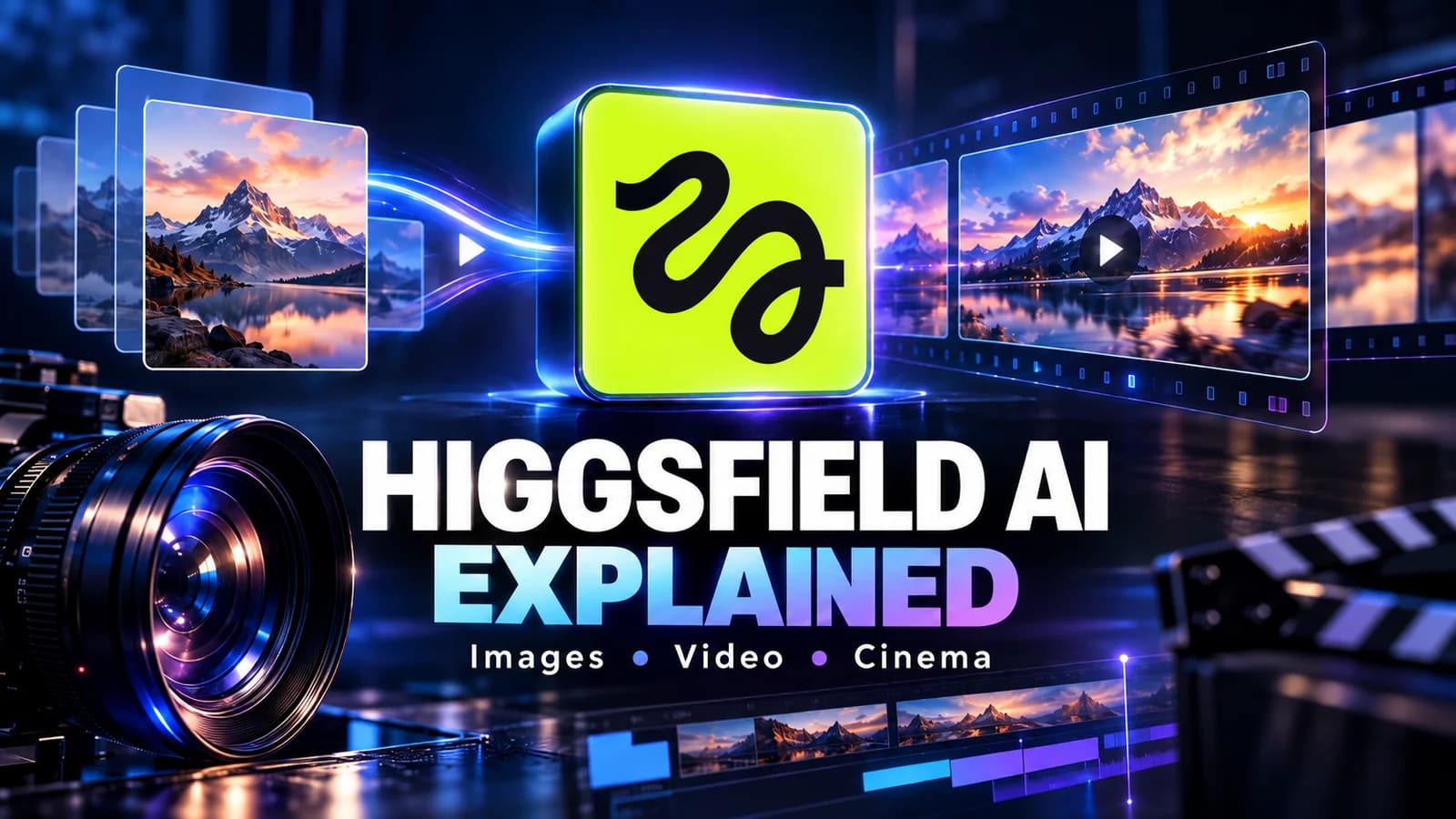
Explore Higgsfield AI for images, video and cinematic workflows. Understand its tools, limitations and the best starting point for your first project.

Compare verified Higgsfield monthly and annual prices, free-access limits and credit costs. Calculate your budget using accepted clips rather than attempts.
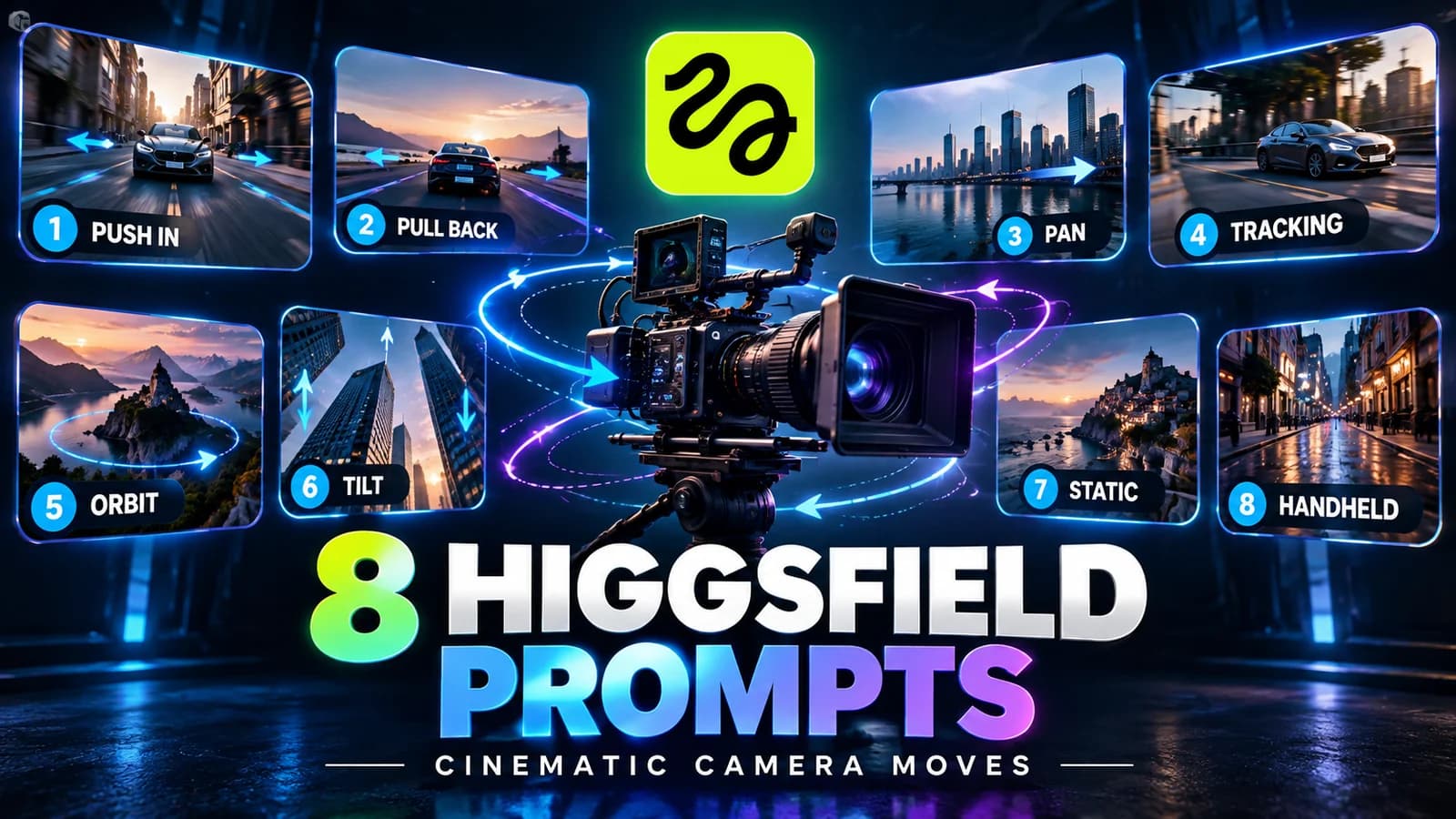
Write clearer Higgsfield prompts for push-ins, pans, tracking and orbits. Get eight original examples plus a checklist for fixing unwanted camera motion.

Compare Higgsfield and Runway on creative workflow, free access, credits and production needs. Use a fair shot test to choose the right platform.
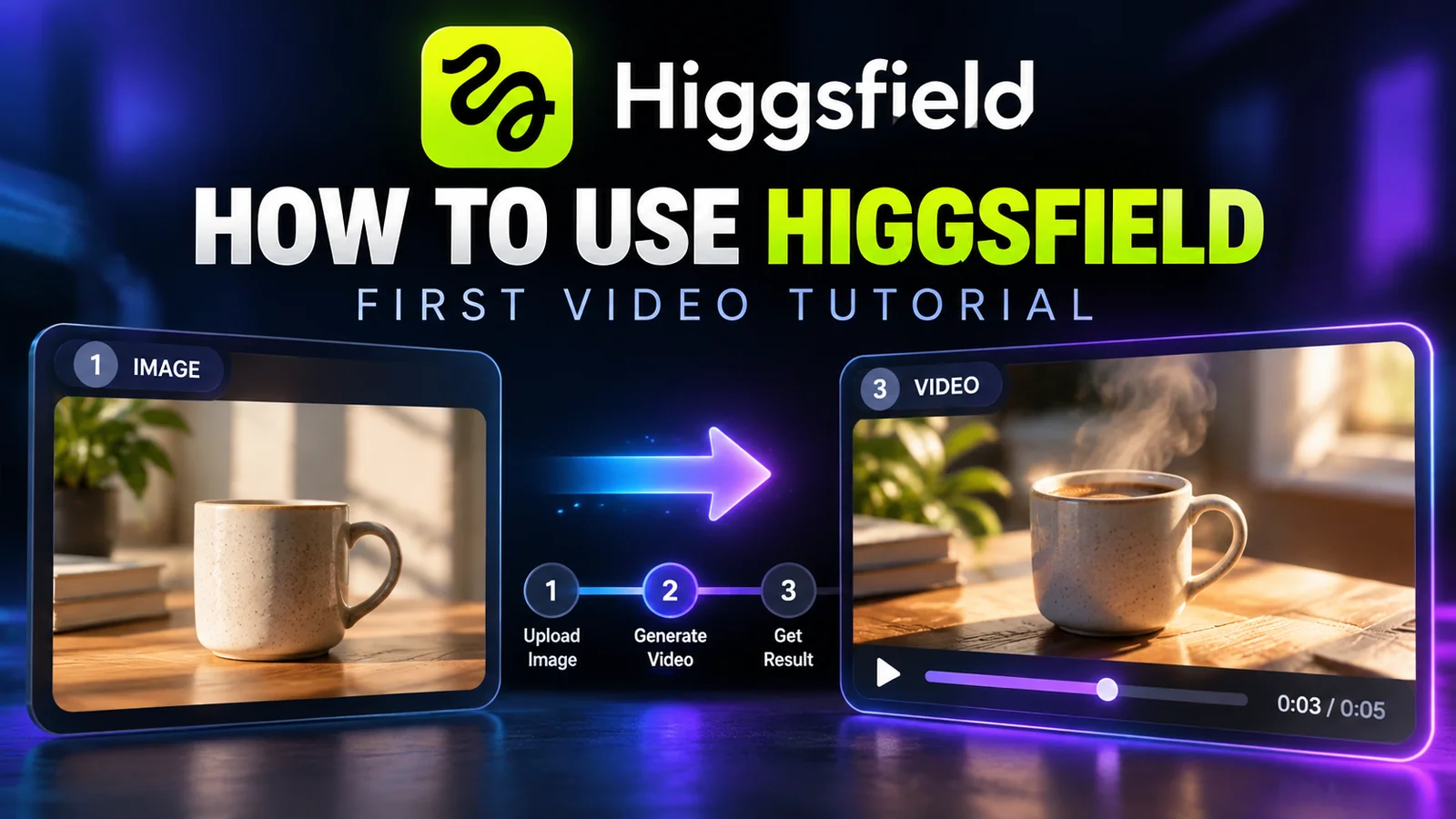
Follow a practical Higgsfield AI tutorial: prepare a reference image, direct one camera move, review the result and export a useful first video.
High signal AI & software stories.
Direct to your inbox. No hype.
Independent analysis of AI models, developer tools, and computing architectures. Delivered every Sunday morning. 100% free.